
 Hp Laptops
 Lenovo Laptops
Desktop Accessories
Explore curated products across our collection.

Showing 241 Products found



About Desktop Accessories
Desktop Accessories in Kenya – TechBro Africa
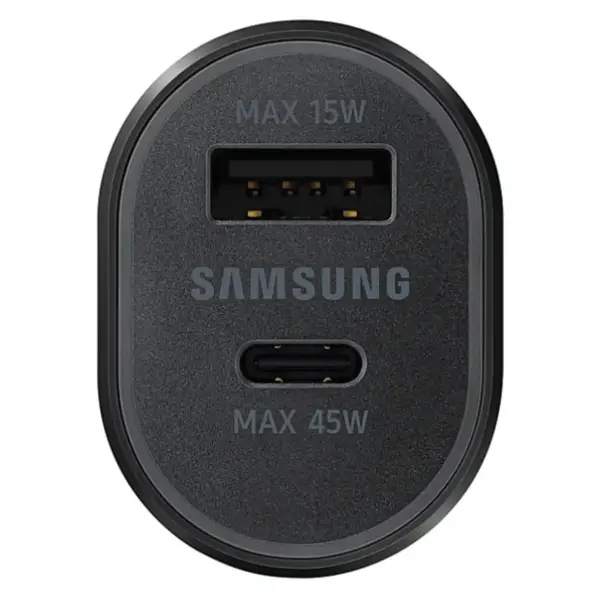
Desktop accessories provide the essential peripherals and equipment needed to build a comfortable, productive, and well-organized computer workstation. From keyboards and mice to webcams, USB hubs, speakers, monitor accessories, and connectivity products, the right desktop accessories can improve everyday computing, productivity, communication, entertainment, and gaming.
At TechBro Africa, customers in Kenya can explore desktop accessories for homes, offices, schools, businesses, gaming setups, workstations, and professional computer environments.
Computer Keyboards
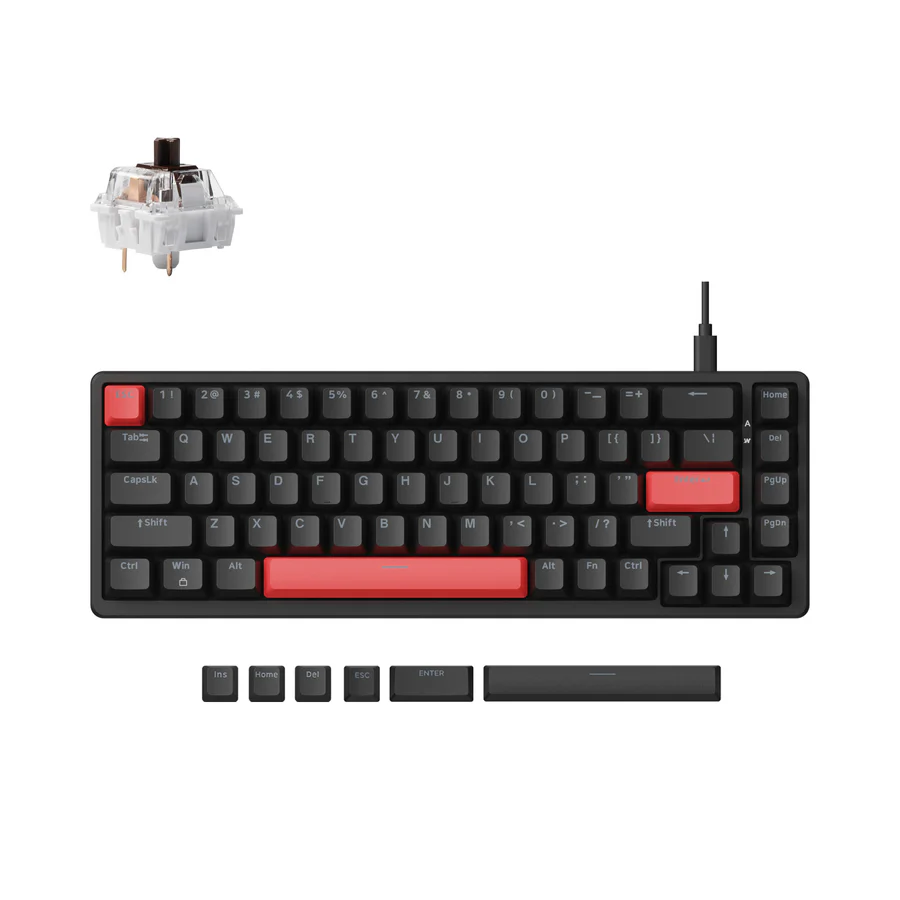
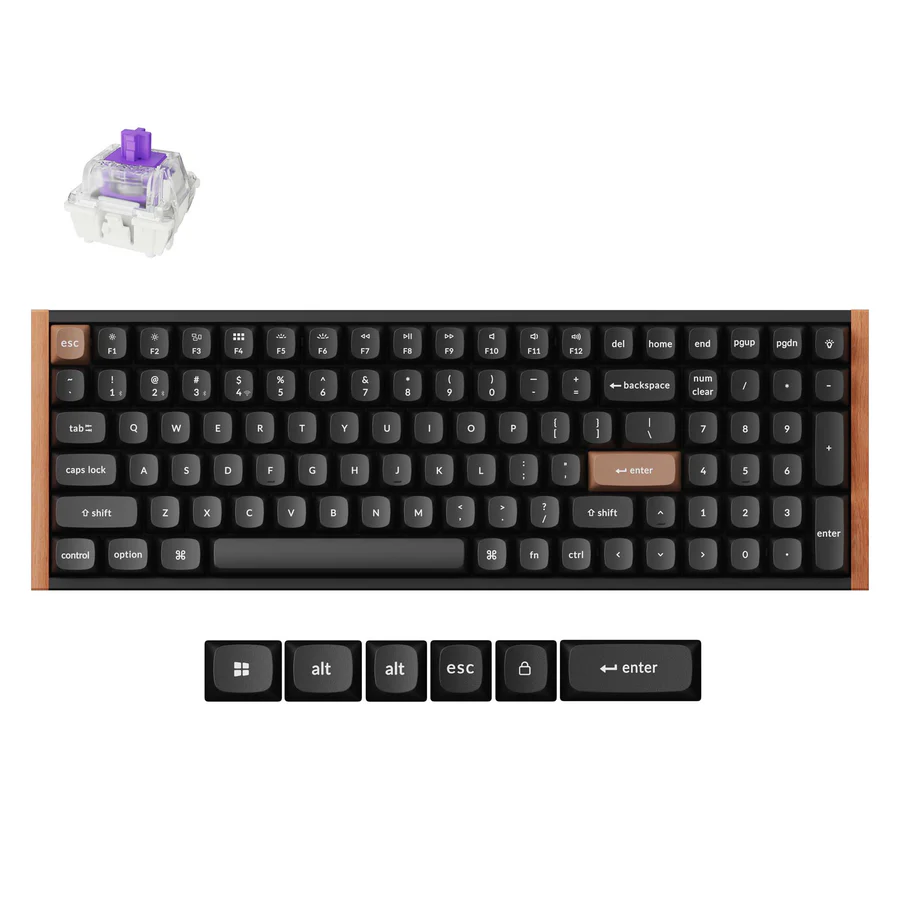
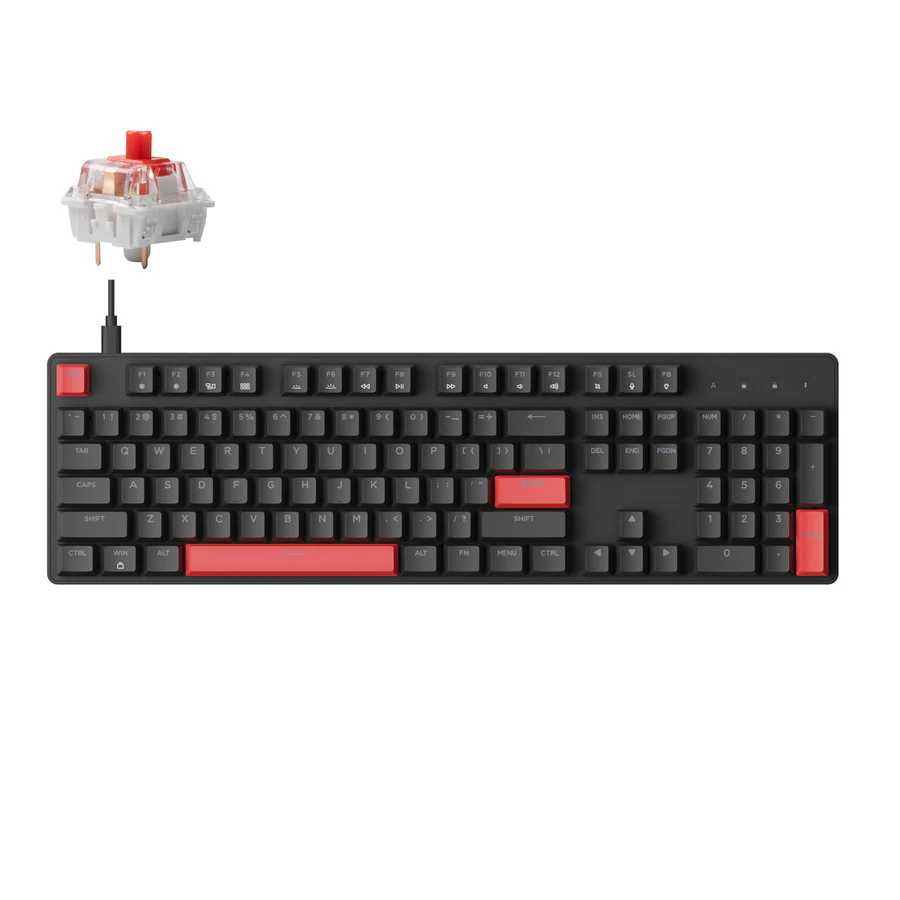
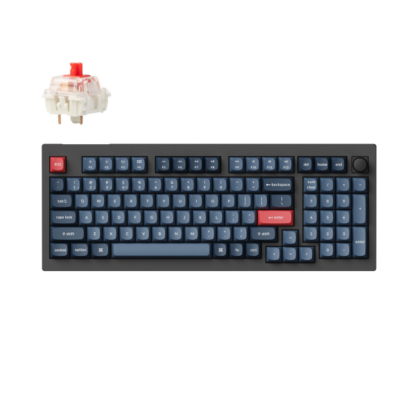
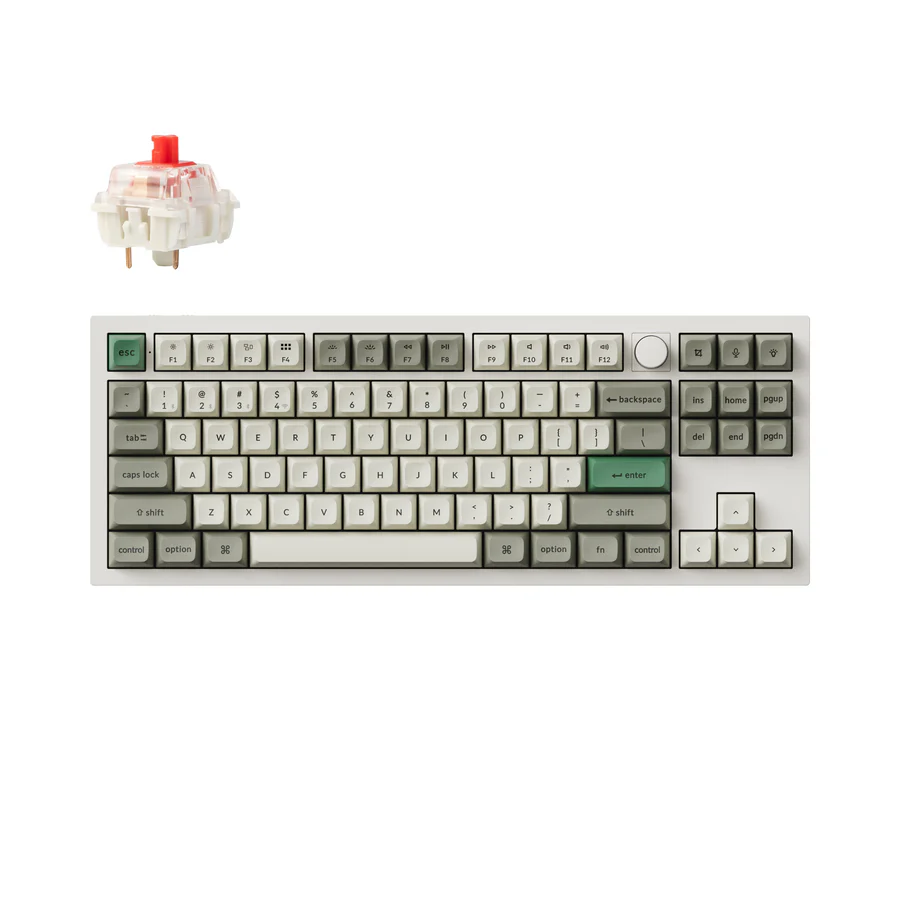
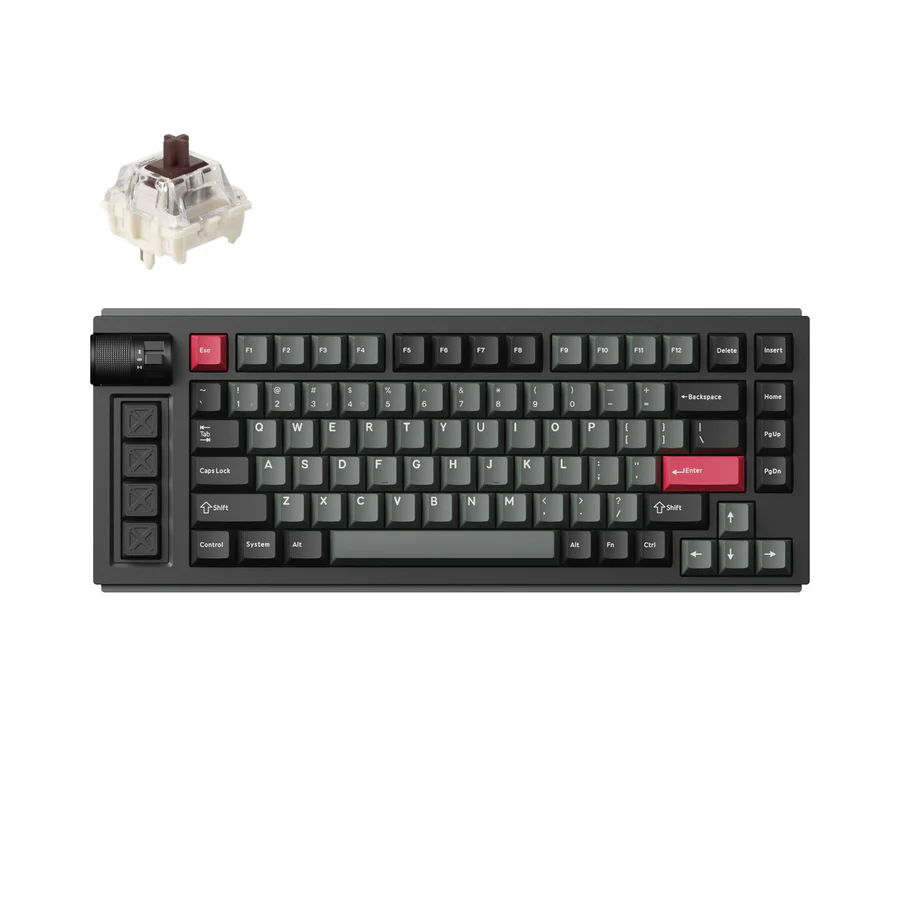
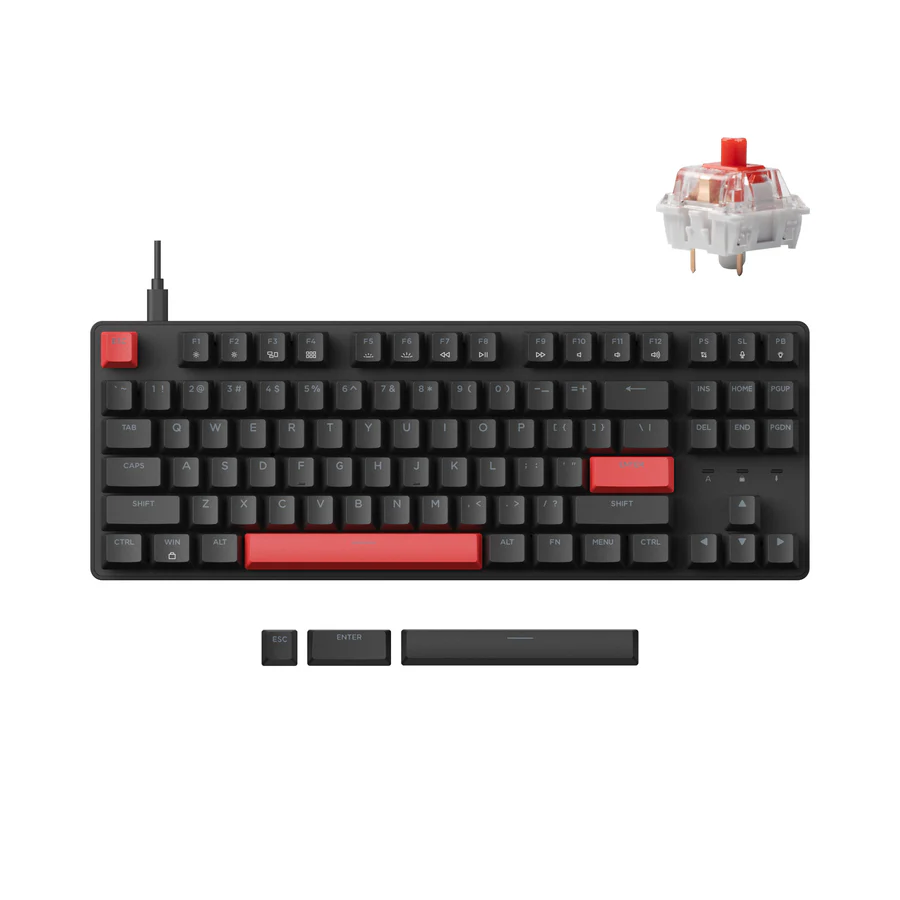
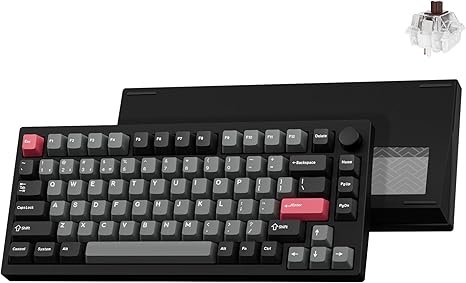
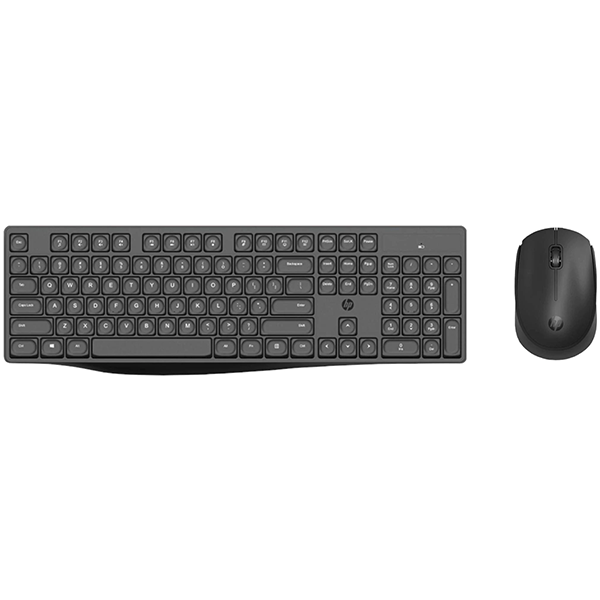
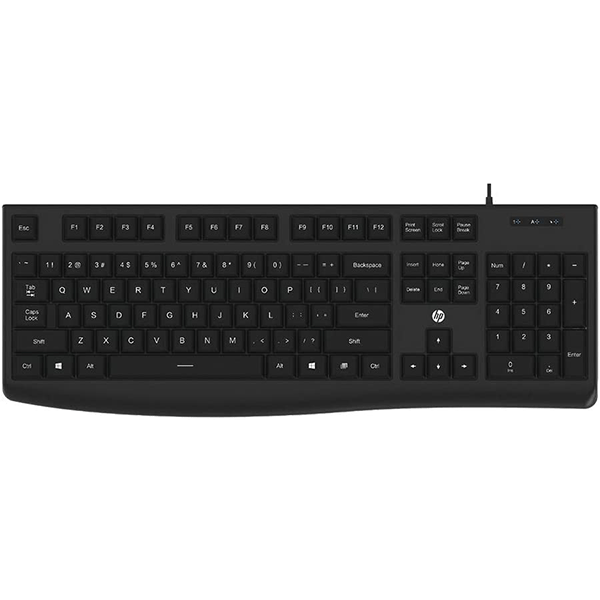
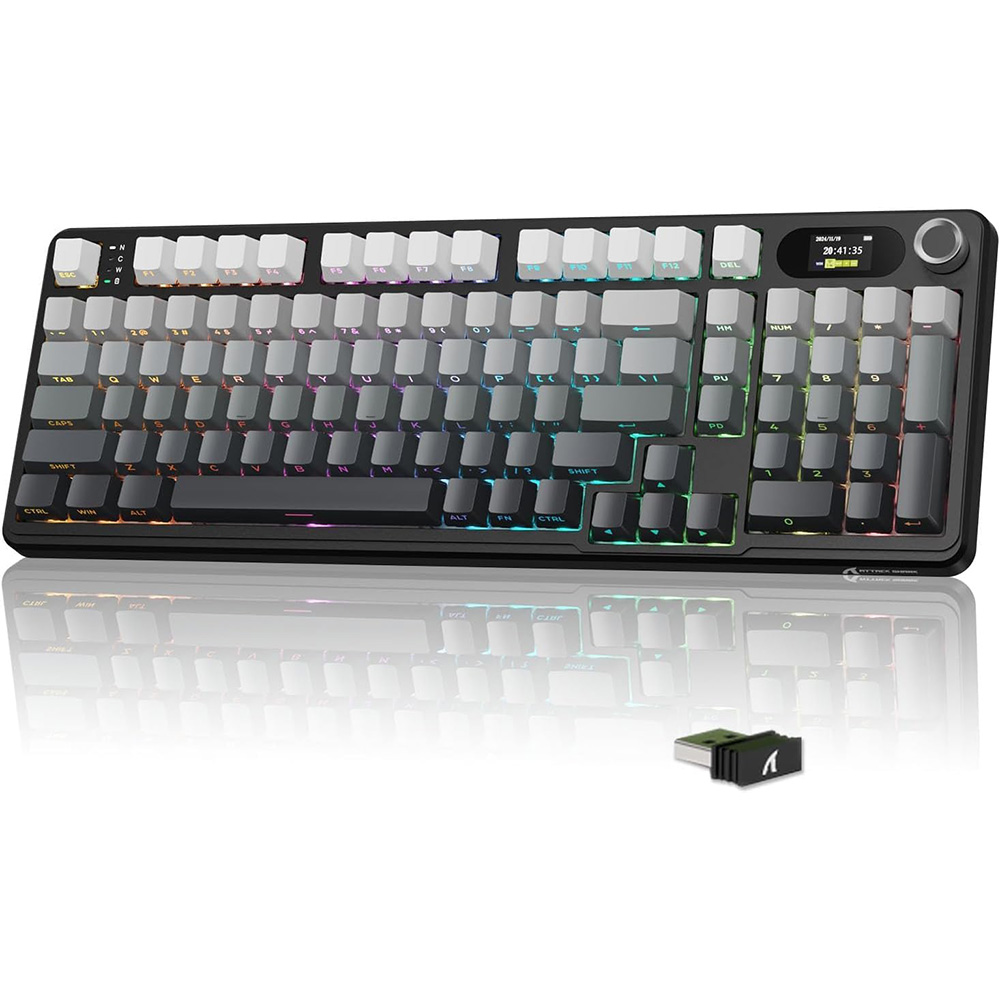
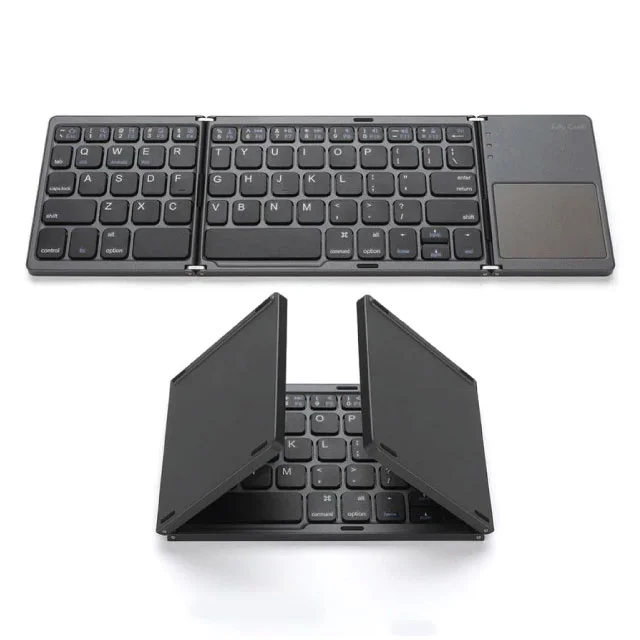
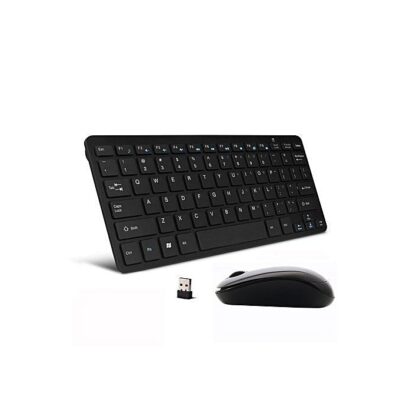
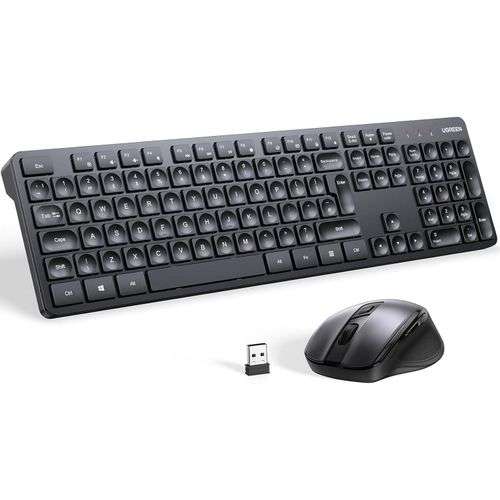
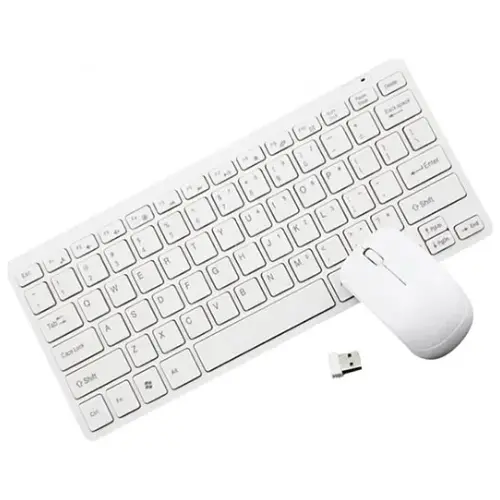
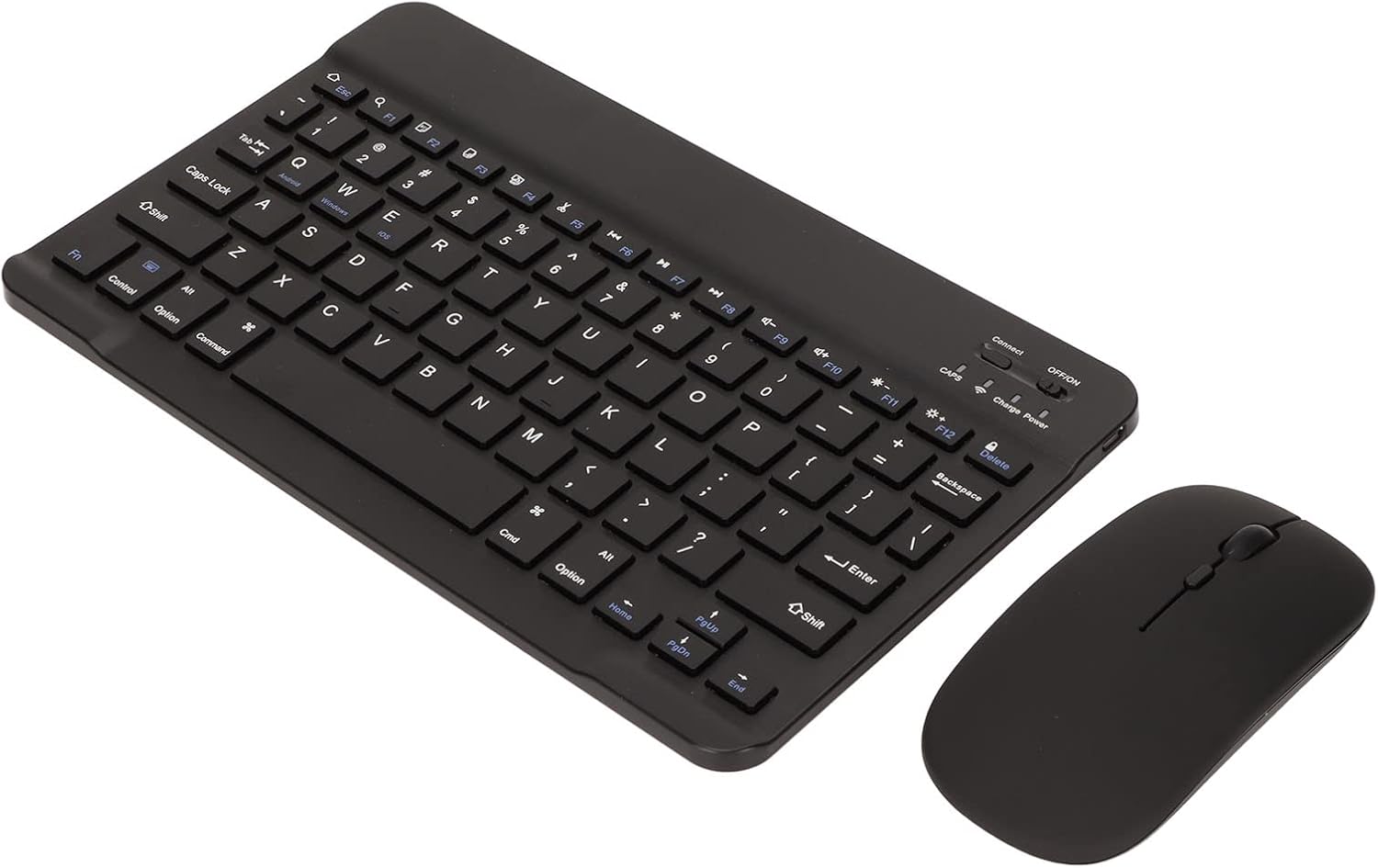
Computer keyboards provide the primary input method for desktop computers. Options include wired, wireless, Bluetooth, mechanical, membrane, ergonomic, compact, full-size, and gaming keyboards.
Users can choose a keyboard based on typing comfort, connectivity, layout, durability, and intended application.
Computer Mice
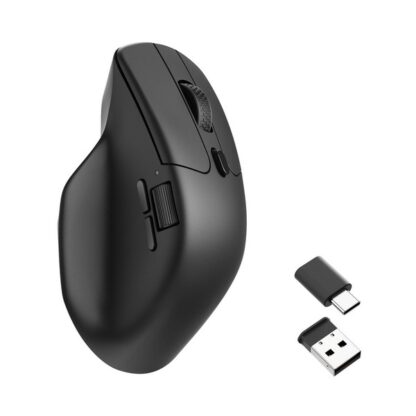
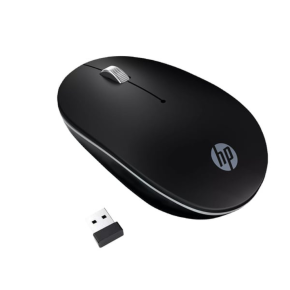
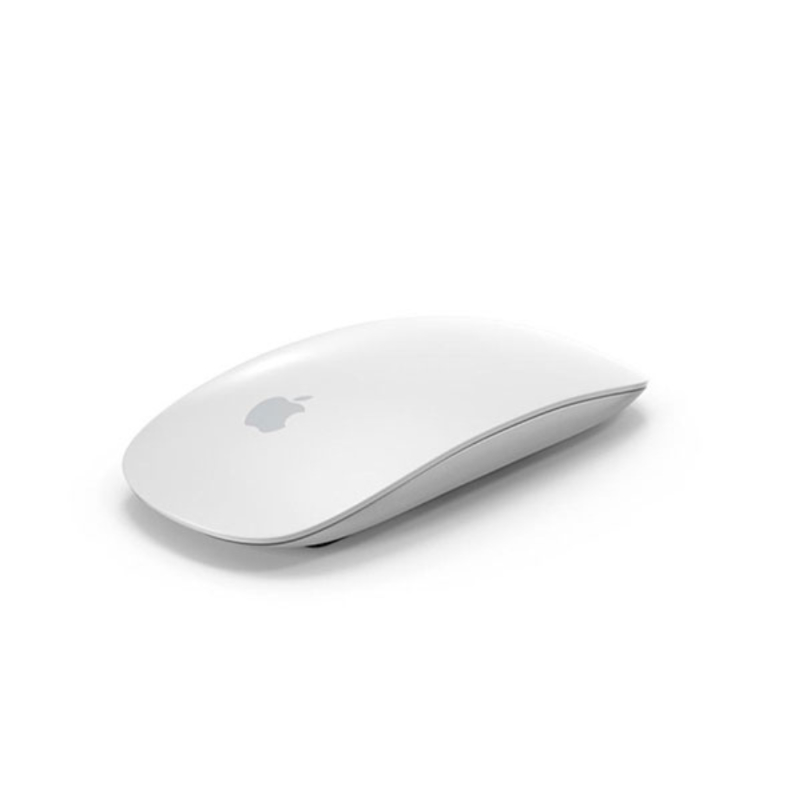
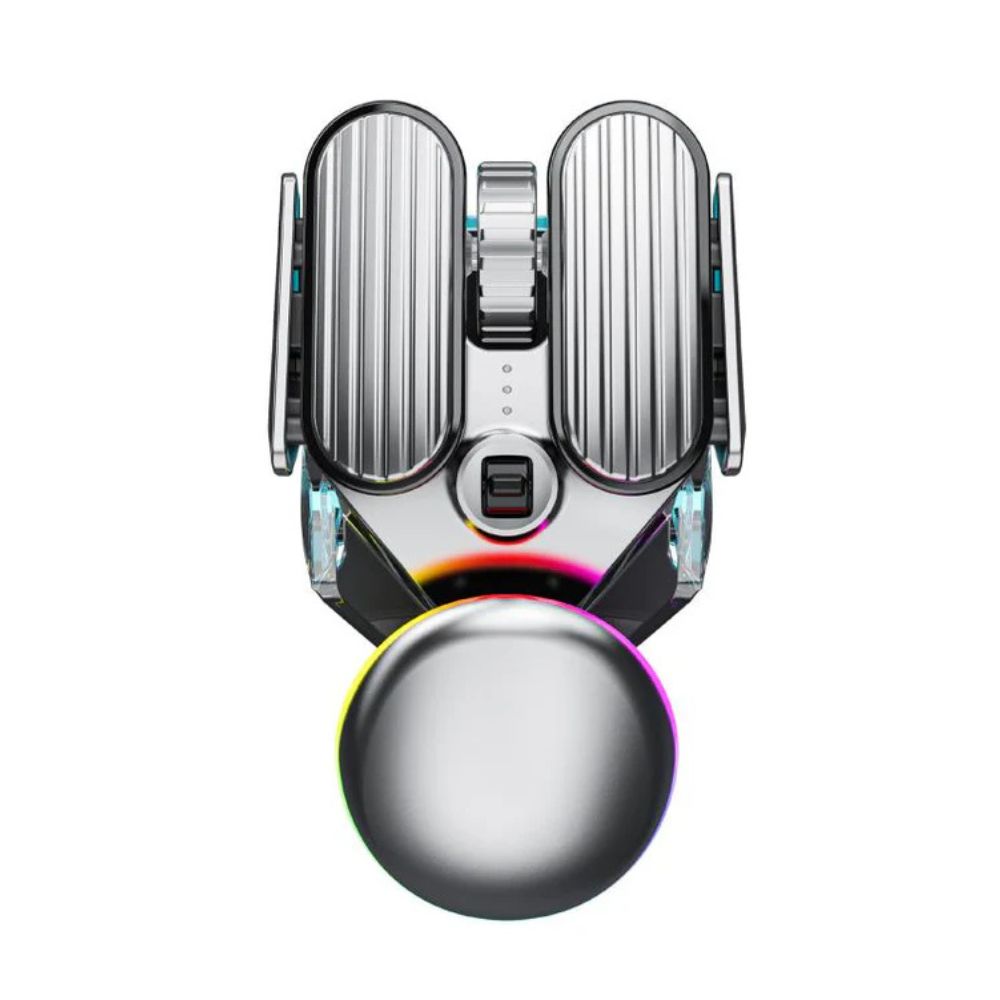
Computer mice provide precise cursor control for desktops and workstations. Available options include wired, wireless, Bluetooth, ergonomic, silent, high-DPI, and gaming mice.
An appropriate mouse can improve navigation, productivity, gaming performance, and general computer use.
Mouse Pads
Mouse pads provide a consistent surface for optical and laser mouse sensors. They can improve tracking while protecting the desk surface from repeated mouse movement.
Large desk mats can also provide space for both a keyboard and mouse while creating a consistent surface across the workstation.
USB Hubs
USB hubs expand the number of USB ports available on a desktop computer or laptop. They can allow users to connect keyboards, mice, flash drives, external storage, printers, card readers, and other USB peripherals.
Powered USB hubs can provide additional power for compatible devices requiring higher USB power.
Docking Stations
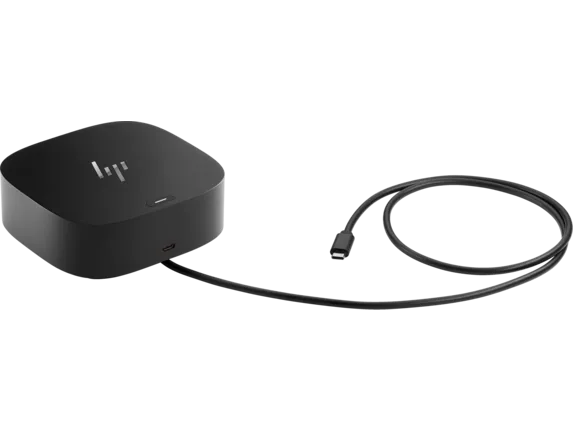
Docking stations expand the connectivity of compatible laptops and computers by providing multiple ports through a single connection.
Depending on the model, they can include HDMI, DisplayPort, USB-A, USB-C, Ethernet, SD card readers, audio ports, and Power Delivery.
Webcams
Webcams provide video communication for online meetings, remote work, online classes, streaming, and content creation.
Depending on the model, webcams can offer Full HD or higher resolutions, built-in microphones, autofocus, privacy shutters, and other features.
Computer Speakers
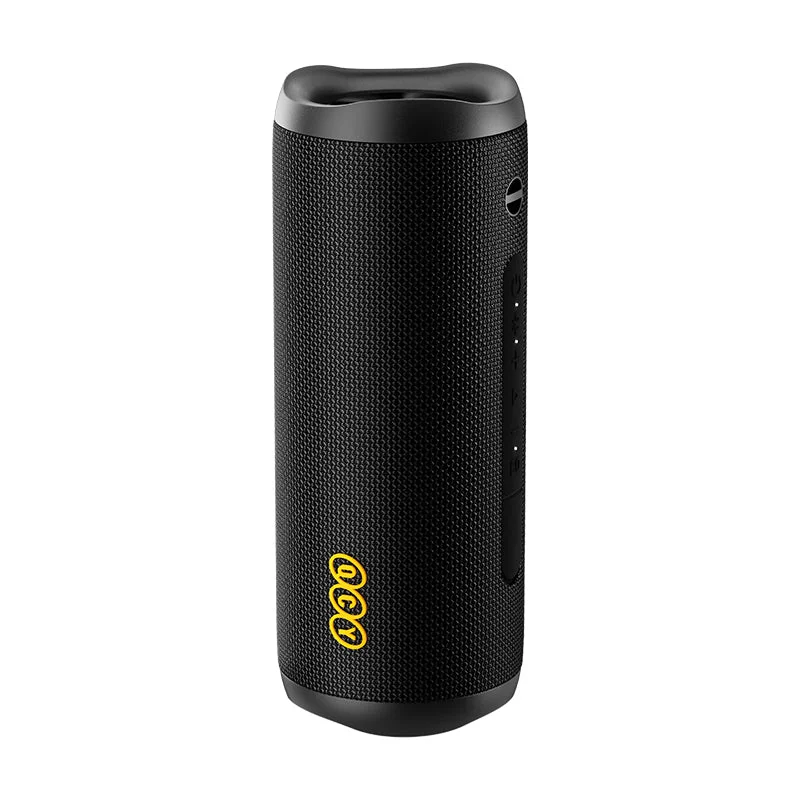
Desktop speakers provide audio for music, movies, gaming, video conferencing, and general computer use.
Available designs can include compact USB-powered speakers, Bluetooth speakers, stereo speaker systems, and larger multimedia setups.
Headsets and Headphones
Computer headsets and headphones provide private audio for music, gaming, meetings, online classes, and other applications.
Models with built-in microphones are particularly useful for video conferencing, customer support, gaming, and voice communication.
Microphones
Dedicated computer microphones can provide clearer voice capture for meetings, podcasts, streaming, voice recording, online teaching, and content creation.
USB microphones provide a straightforward connection for many desktop computers, while professional models may use additional audio equipment.
Monitor Accessories
Monitor accessories can include monitor stands, arms, mounts, privacy filters, screen accessories, and other products designed to improve monitor positioning and workstation organization.
Adjustable monitor arms can help users position displays at a comfortable height and viewing angle while freeing up desk space.
Monitor Stands and Mounts
Monitor stands and mounting systems can improve workstation ergonomics by allowing displays to be positioned at an appropriate height and viewing distance.
Multi-monitor stands can also help organize two or more displays on a single desk.
Cable Management Accessories
Cable management products help organize power cables, USB cables, HDMI cables, Ethernet cables, and other connections around a workstation.
Cable clips, sleeves, ties, trays, and organizers can reduce clutter and make it easier to identify and maintain connections.
USB Accessories
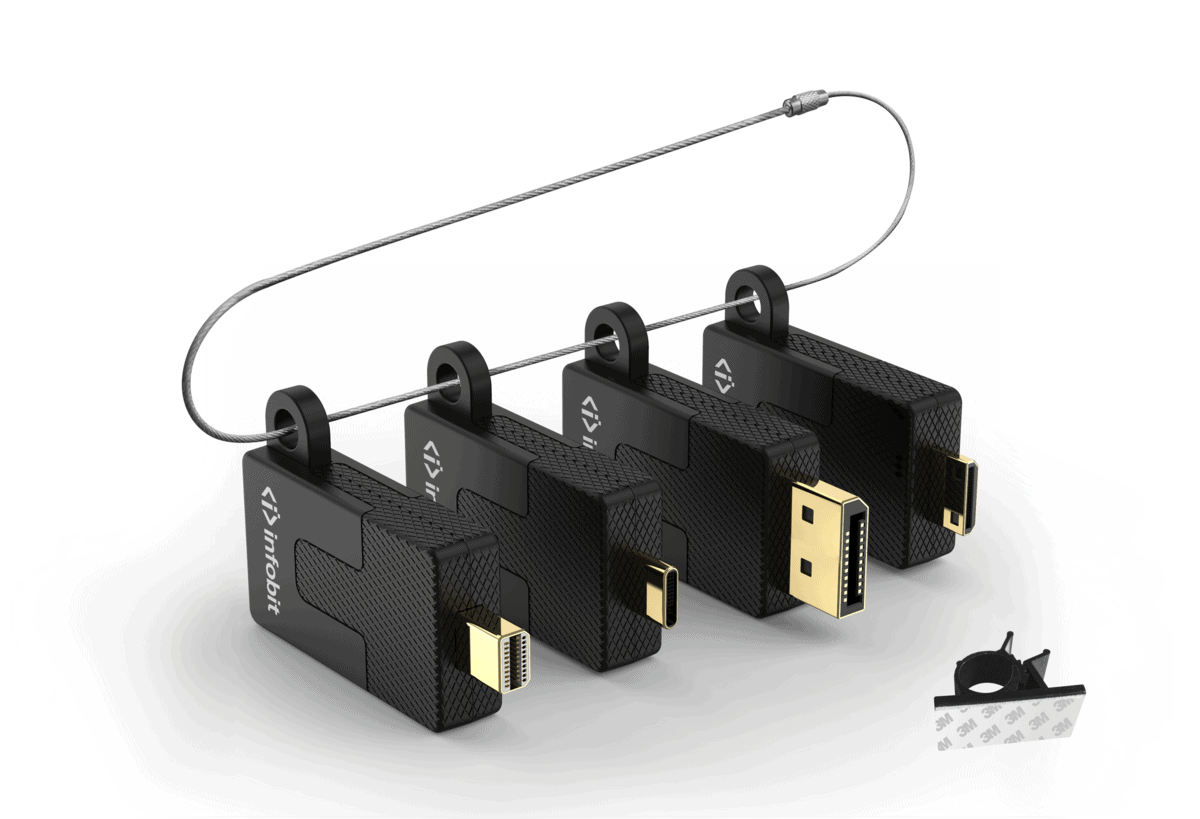
USB accessories include adapters, hubs, extension cables, card readers, USB drives, and other devices designed to expand desktop connectivity.
They are useful for connecting modern and legacy peripherals to computers with different port types.
Memory Card Readers
Memory card readers allow computers to access data stored on SD, microSD, CompactFlash, and other supported memory cards.
They are particularly useful for photographers, videographers, content creators, and users transferring files between cameras and computers.
External Storage Accessories
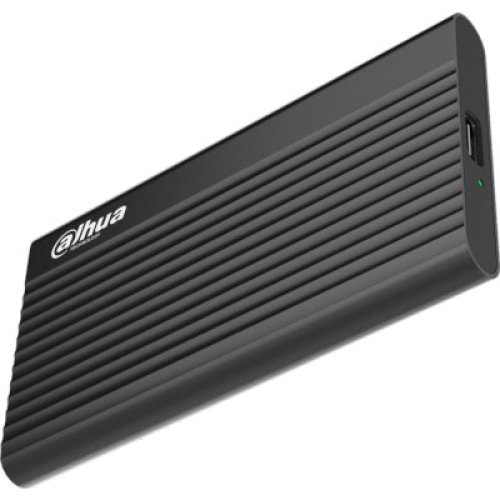
External storage accessories provide convenient ways to connect and use SSDs, hard drives, and other storage devices with desktop computers.
USB and USB-C storage enclosures and adapters can allow compatible internal drives to be used as external storage.
Desktop Power Accessories
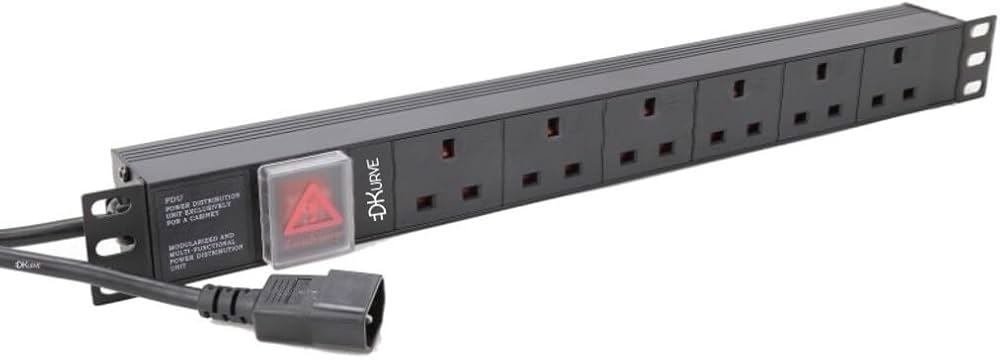
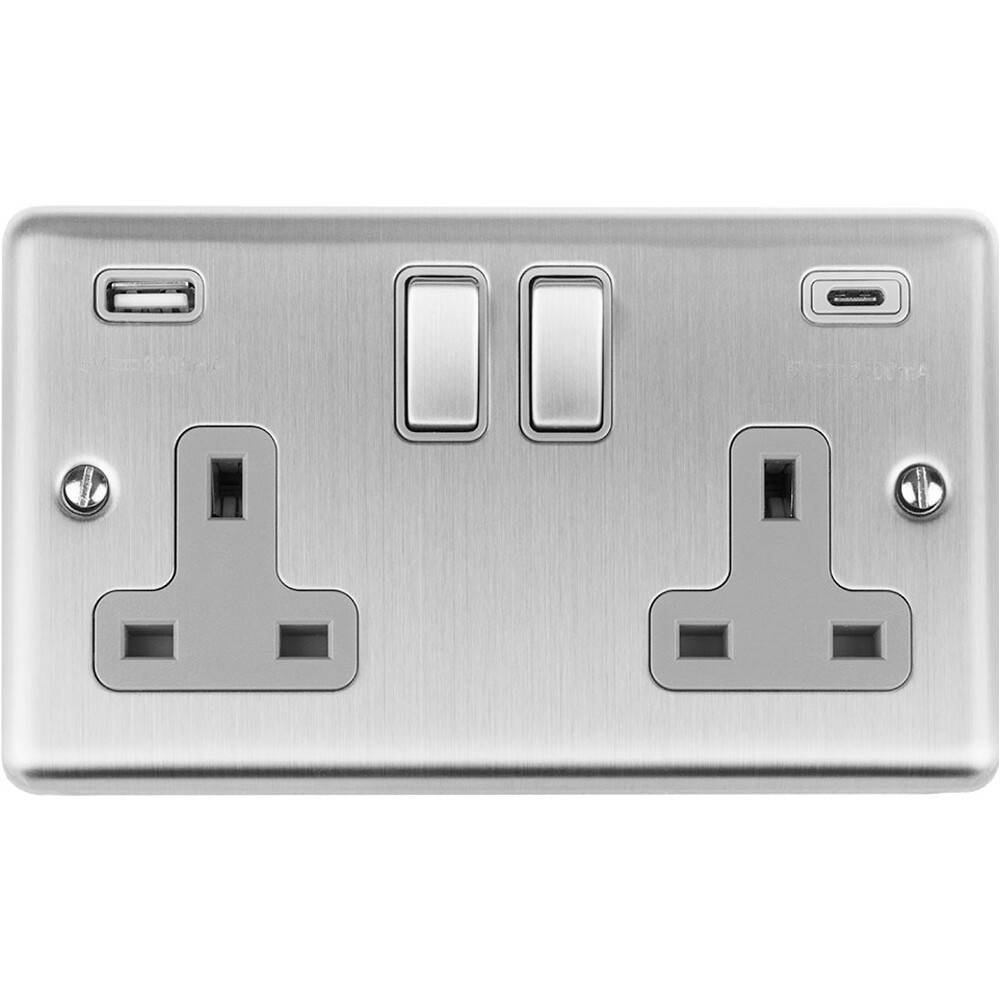
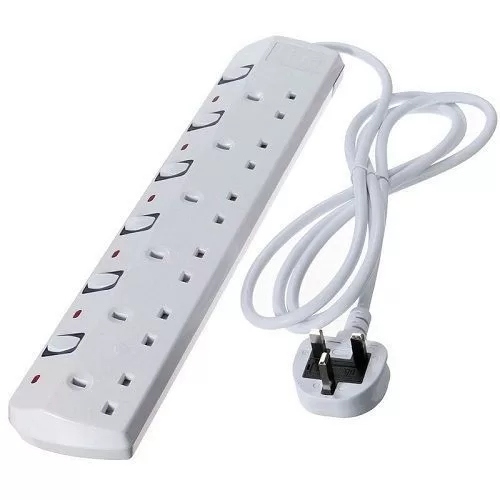
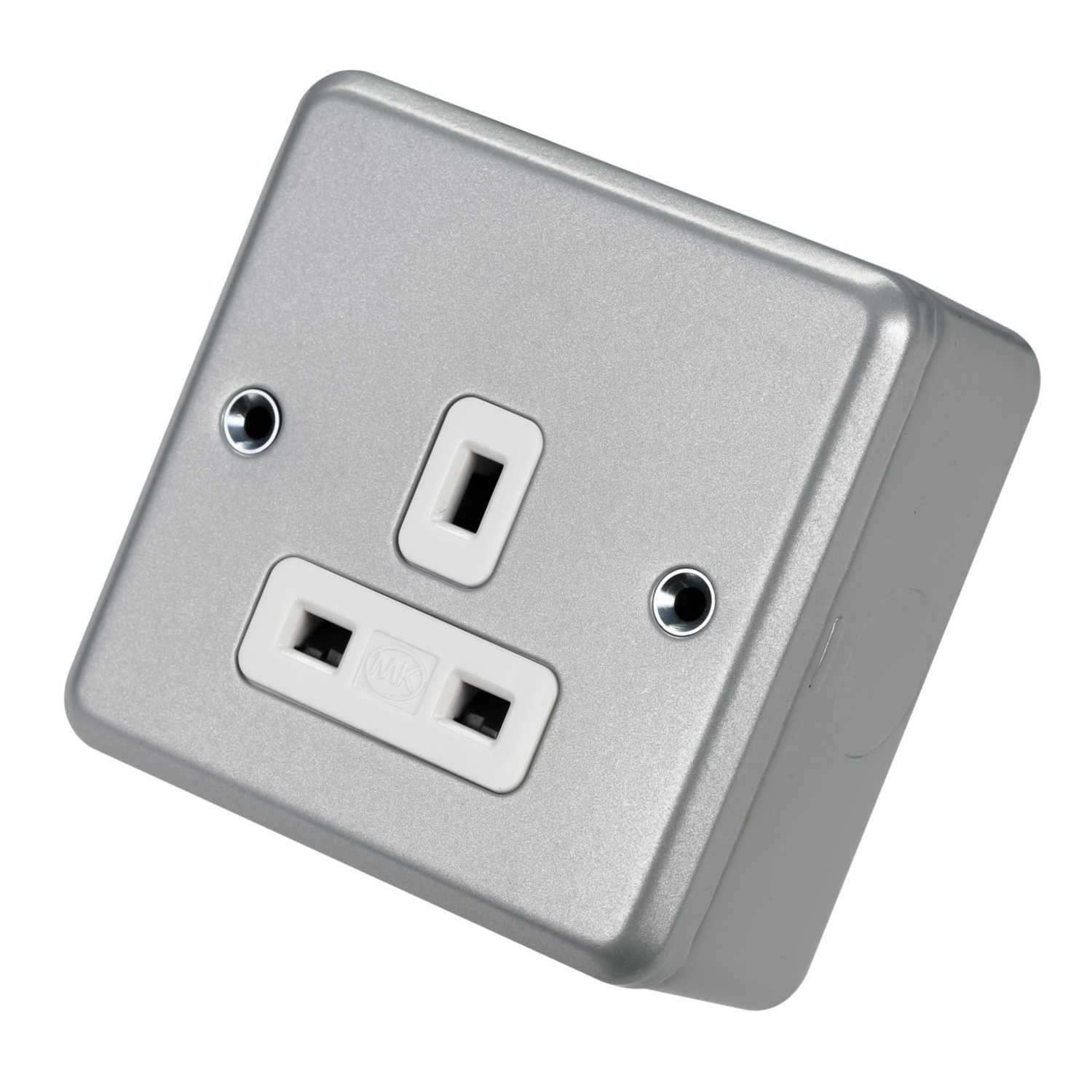
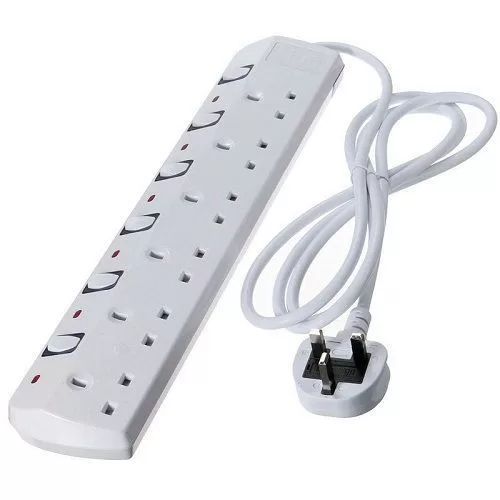
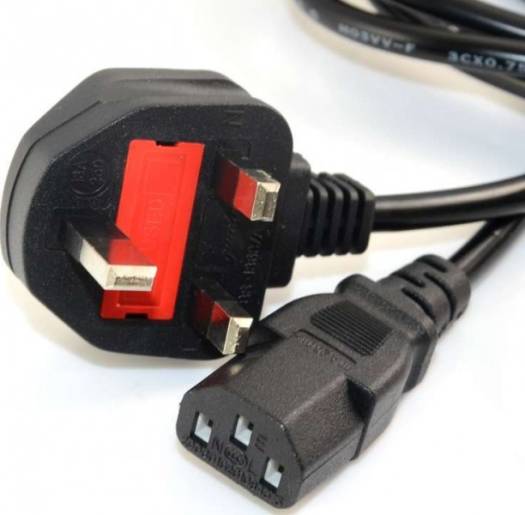
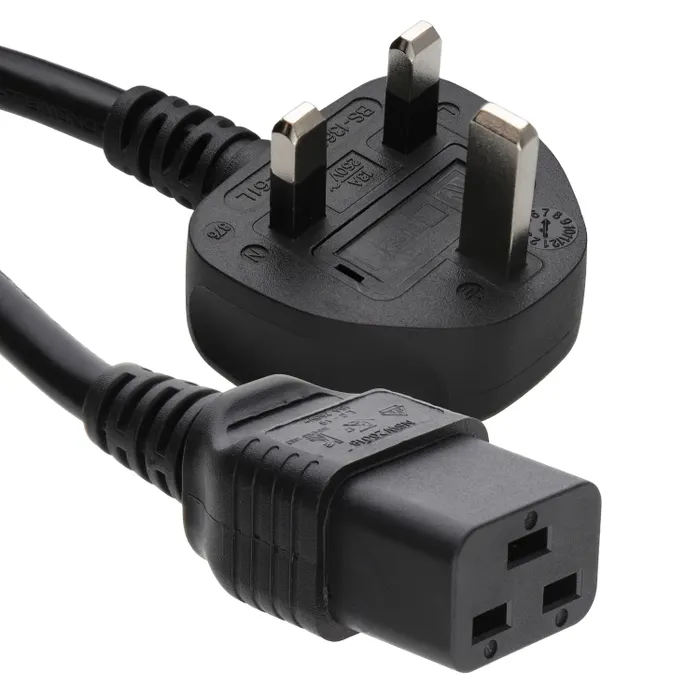
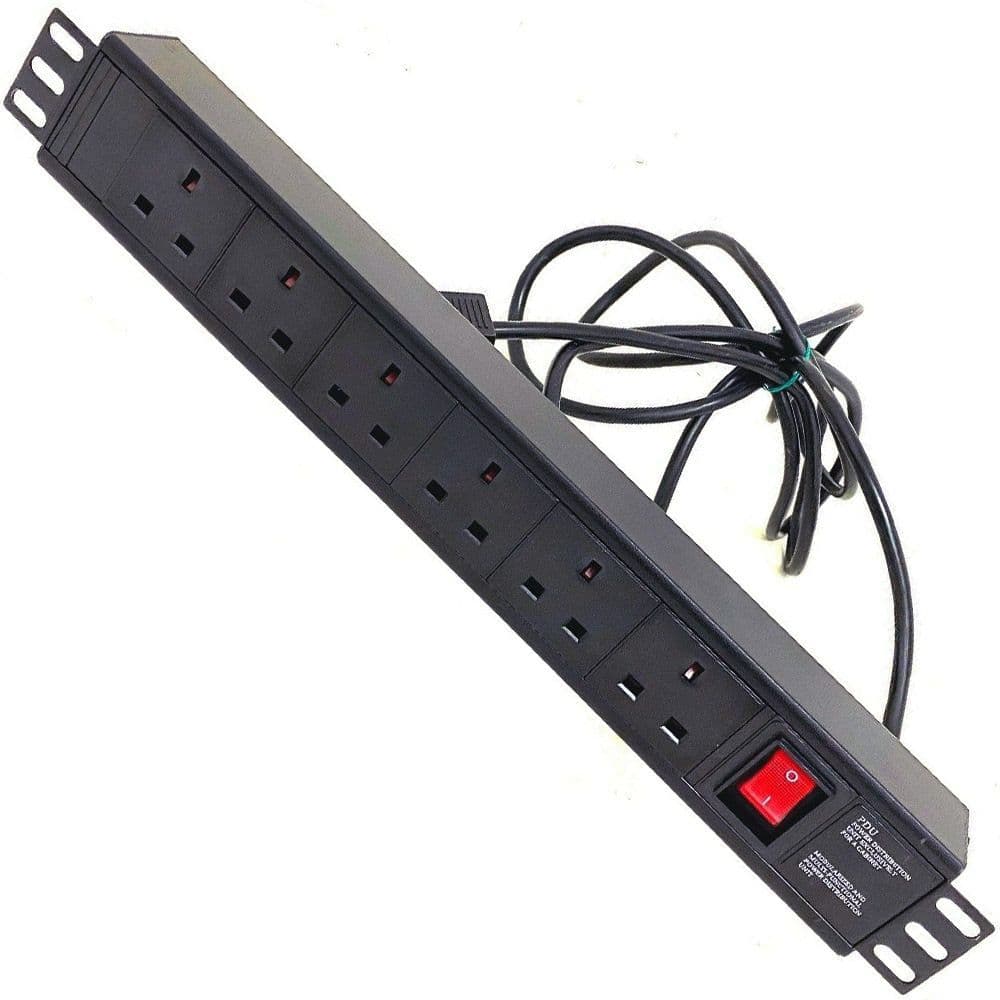
Power accessories can include extension cables, surge protectors, power strips, UPS systems, and other equipment used to provide and protect electrical power for desktop computers and peripherals.
A suitable UPS can also provide backup power during short power interruptions, allowing users time to save work and shut down equipment safely.
Laptop and Desktop Cooling Accessories
Cooling accessories can help manage heat around computers and workstations. Depending on the product, these can include cooling pads, external fans, and other airflow-related accessories.
Good airflow is particularly important for high-performance computers used for gaming, rendering, video editing, and other demanding workloads.
Gaming Desktop Accessories
Gaming setups can include specialized keyboards, gaming mice, mouse pads, headsets, microphones, controllers, speakers, webcams, monitor mounts, and RGB accessories.
These products can improve gaming control, communication, audio, comfort, and overall workstation organization.
Office Desktop Accessories
Office workstations can benefit from ergonomic keyboards and mice, webcams, headsets, USB hubs, docking stations, monitor stands, cable-management products, and other productivity accessories.
Selecting compatible peripherals can make everyday tasks such as document editing, communication, data entry, and multitasking more convenient.
Choosing Desktop Accessories in Kenya
When selecting desktop accessories, consider compatibility, connection type, USB standards, wireless technology, ergonomics, desk space, power requirements, operating-system support, intended use, and the specifications of your existing computer equipment.
For a basic workstation, a keyboard, mouse, mouse pad, speakers or headset, and suitable power accessories may be sufficient. Professional and gaming workstations can benefit from additional displays, docking stations, webcams, microphones, storage accessories, monitor mounts, and cable-management solutions.
At TechBro Africa, customers in Kenya can explore desktop accessories for home computing, offices, schools, businesses, gaming, content creation, and professional workstations.
Why Buy Desktop Accessories from TechBro Africa?
TechBro Africa provides computer peripherals, accessories, and connectivity products for customers across Kenya. The range of desktop accessories can help users build, upgrade, organize, and customize their computer workstations.
Conclusion
Desktop accessories complement computers by improving input, connectivity, audio, communication, ergonomics, power management, storage, cooling, and workstation organization. From keyboards and mice to docking stations, webcams, USB hubs, monitor accessories, speakers, headsets, and cable-management products, customers can choose accessories according to their specific computing needs.
At TechBro Africa, customers in Kenya can explore desktop accessories for home, office, school, gaming, business, content creation, and professional computer setups.