
 Hp Laptops
 Lenovo Laptops
Docking Stations
Explore curated products across our collection.
Showing 52 Products found
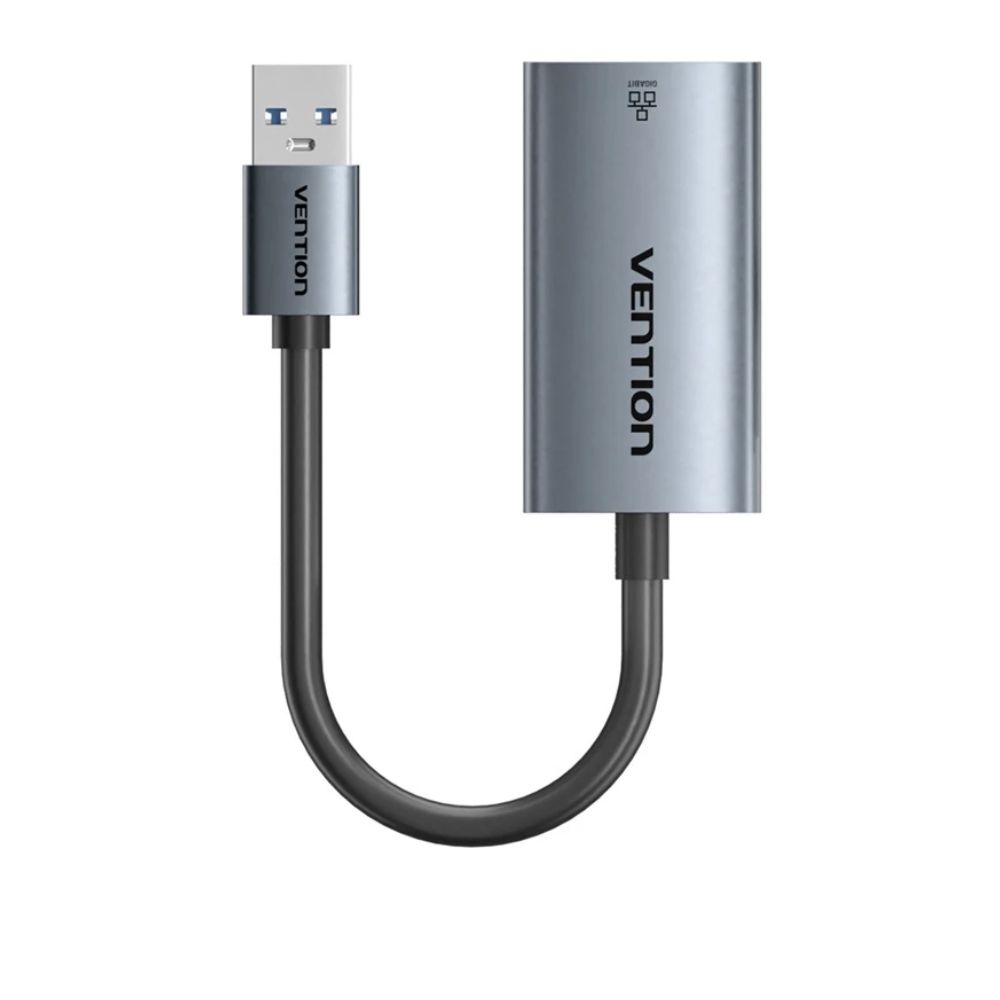
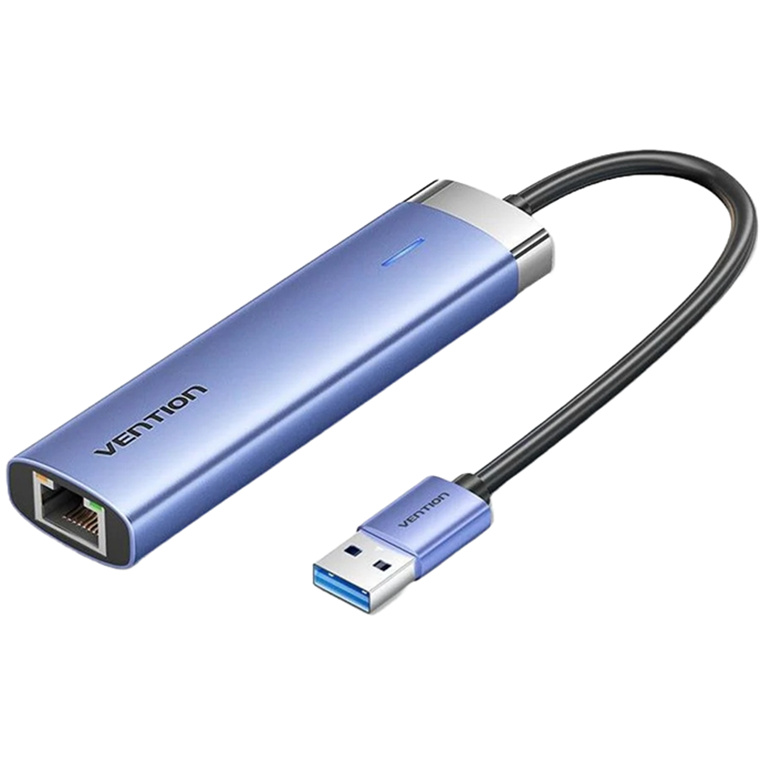
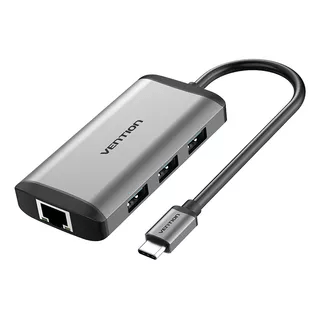
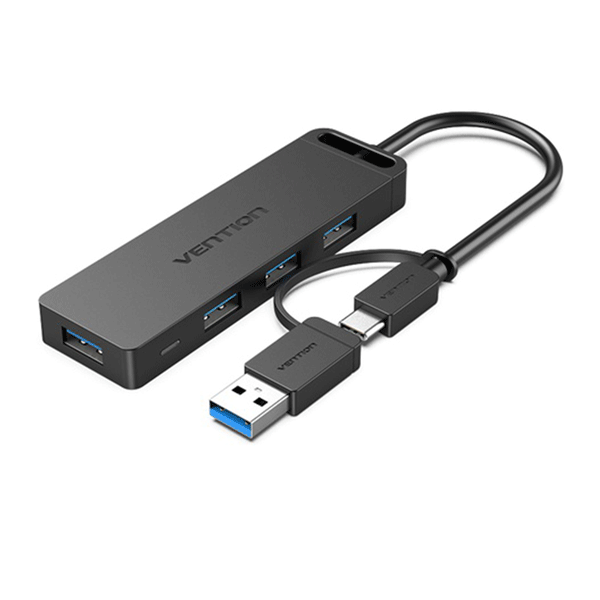
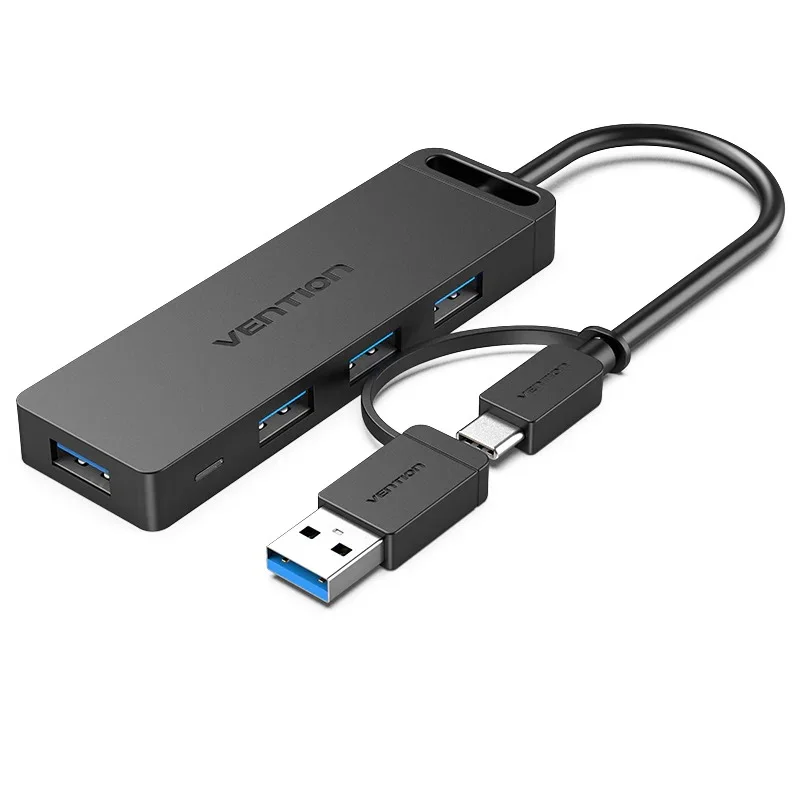
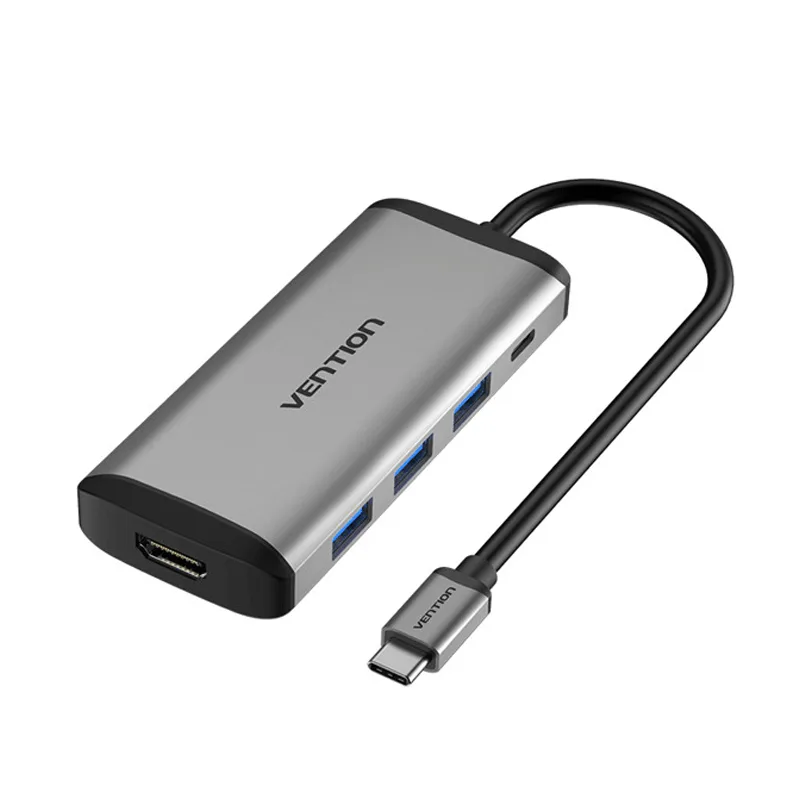
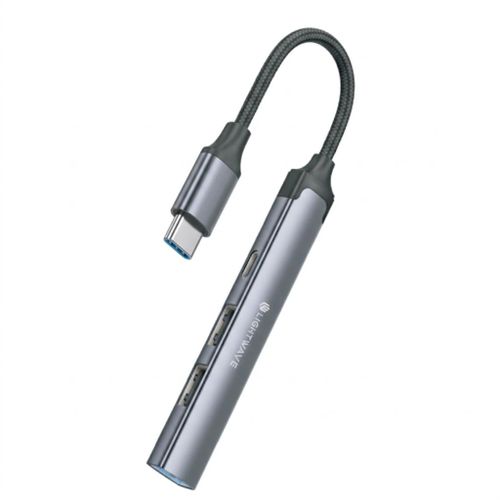
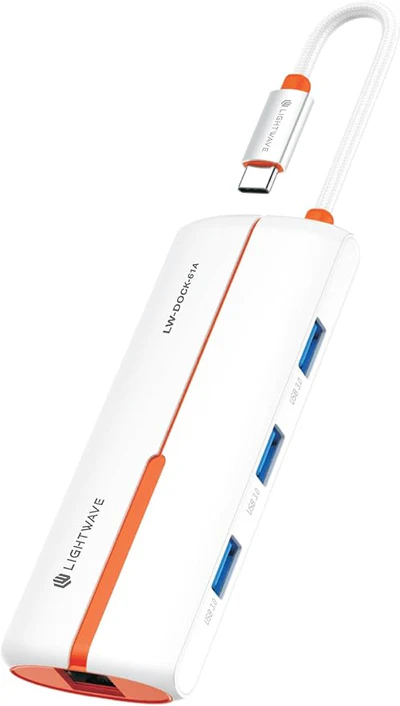
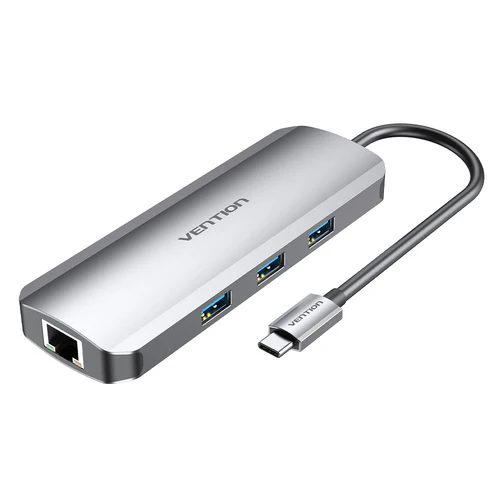
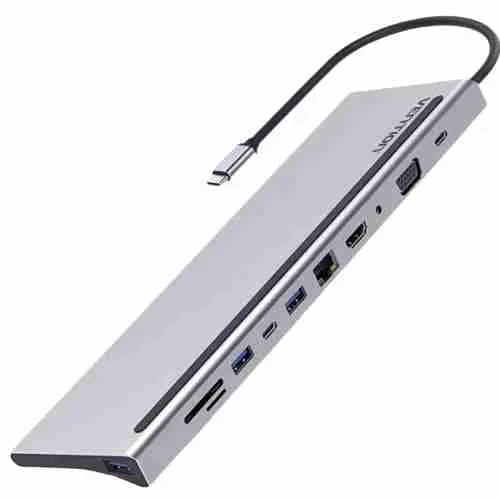
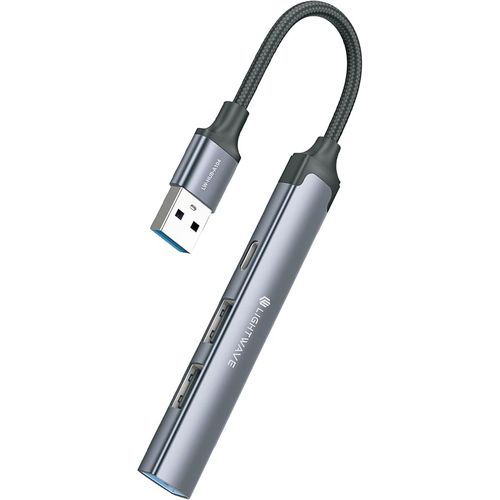
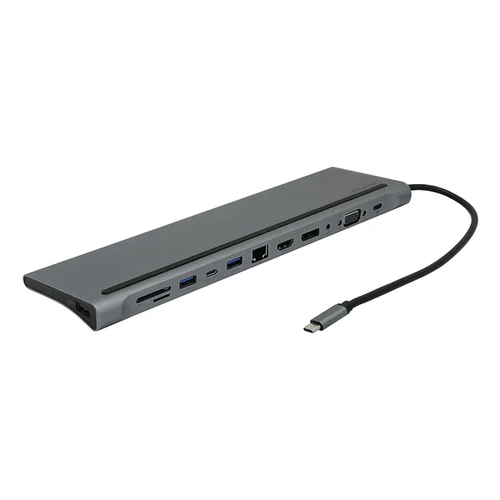
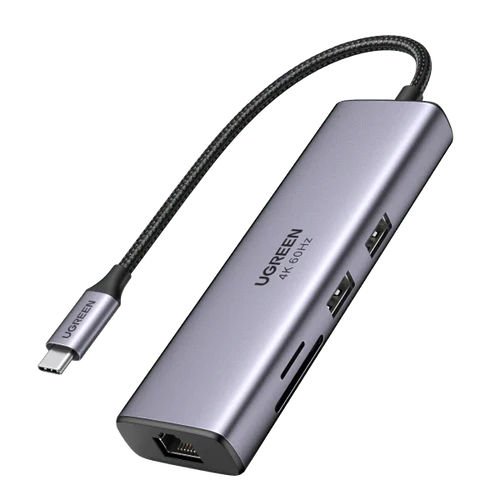
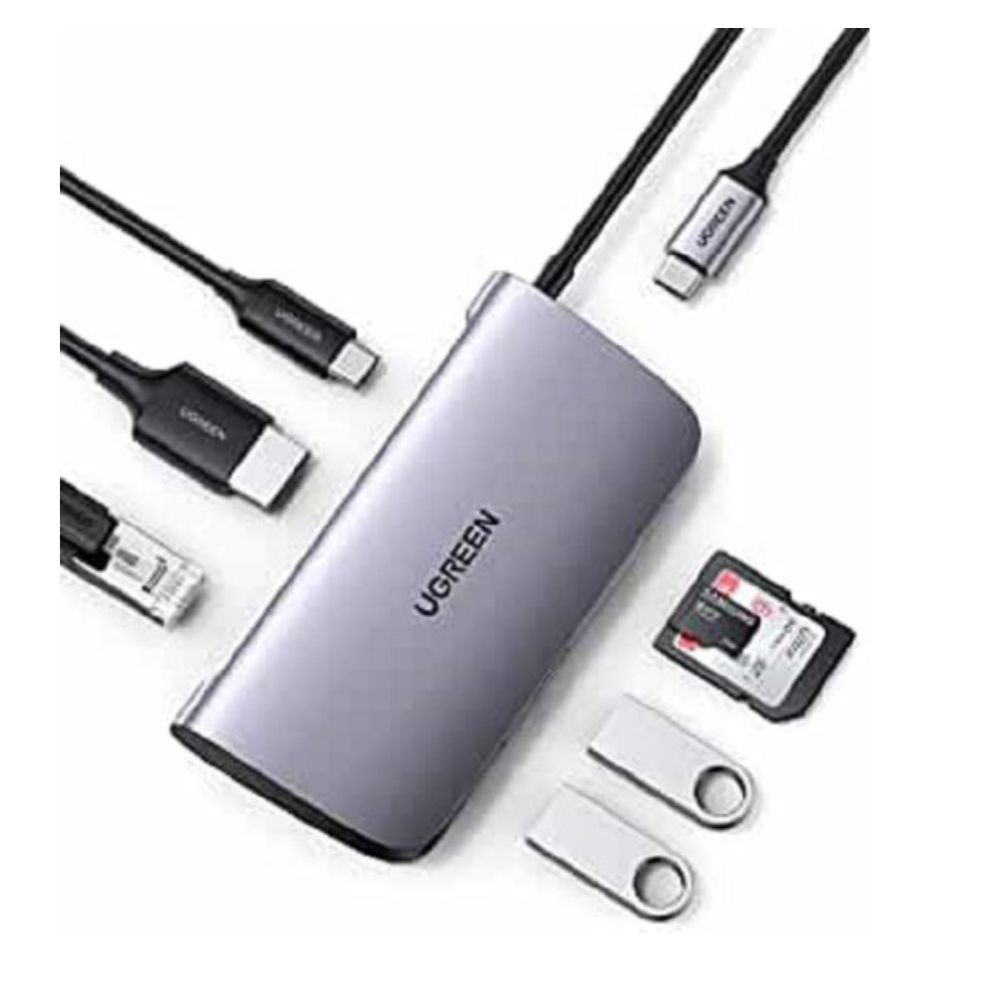
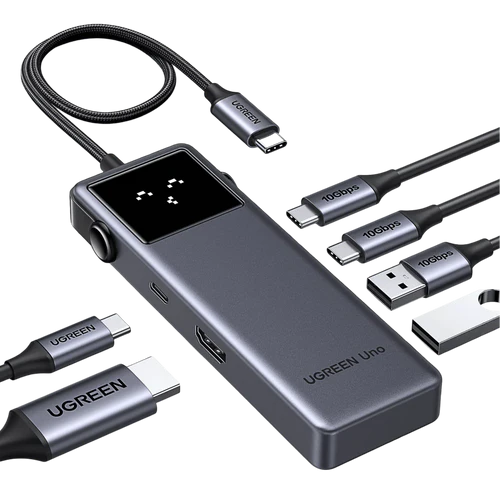
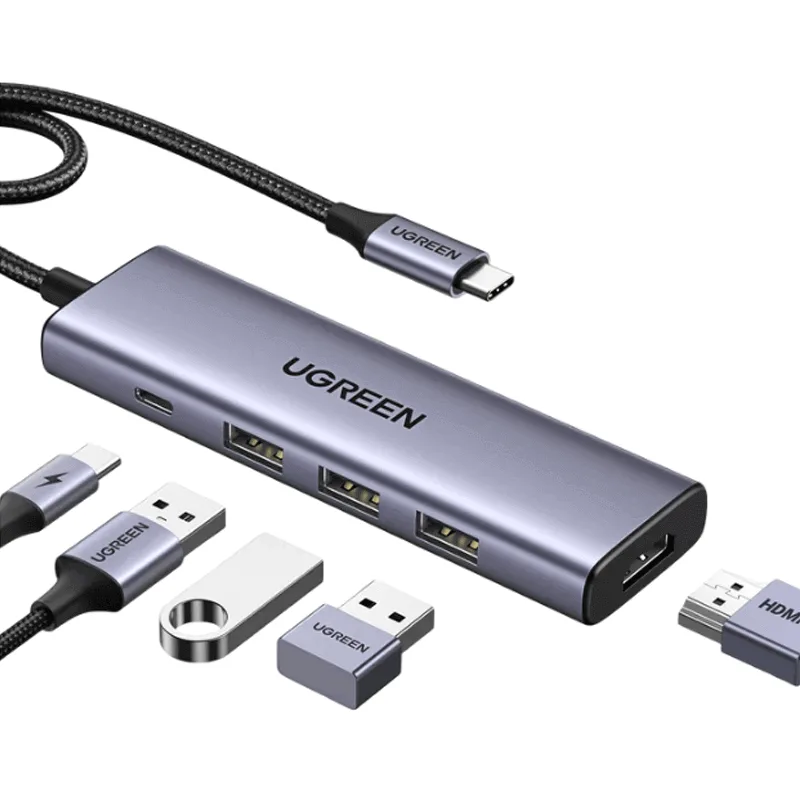
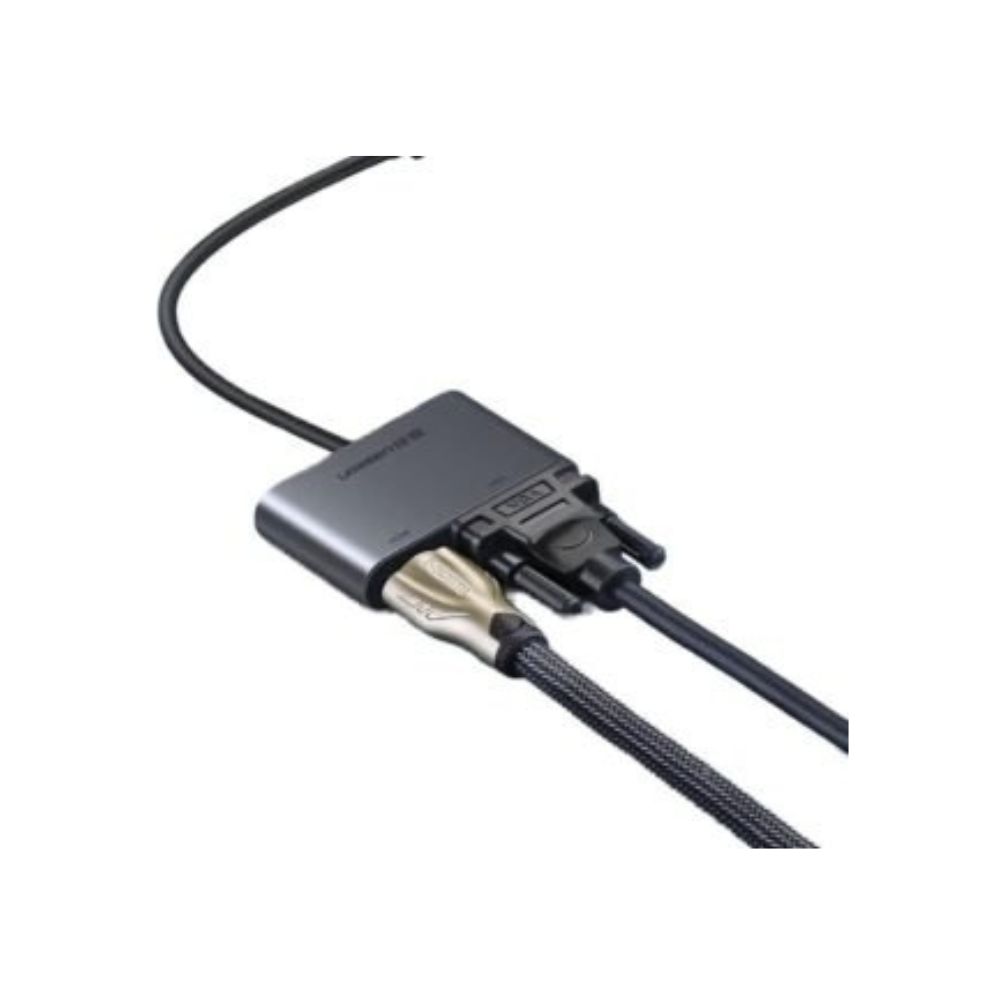
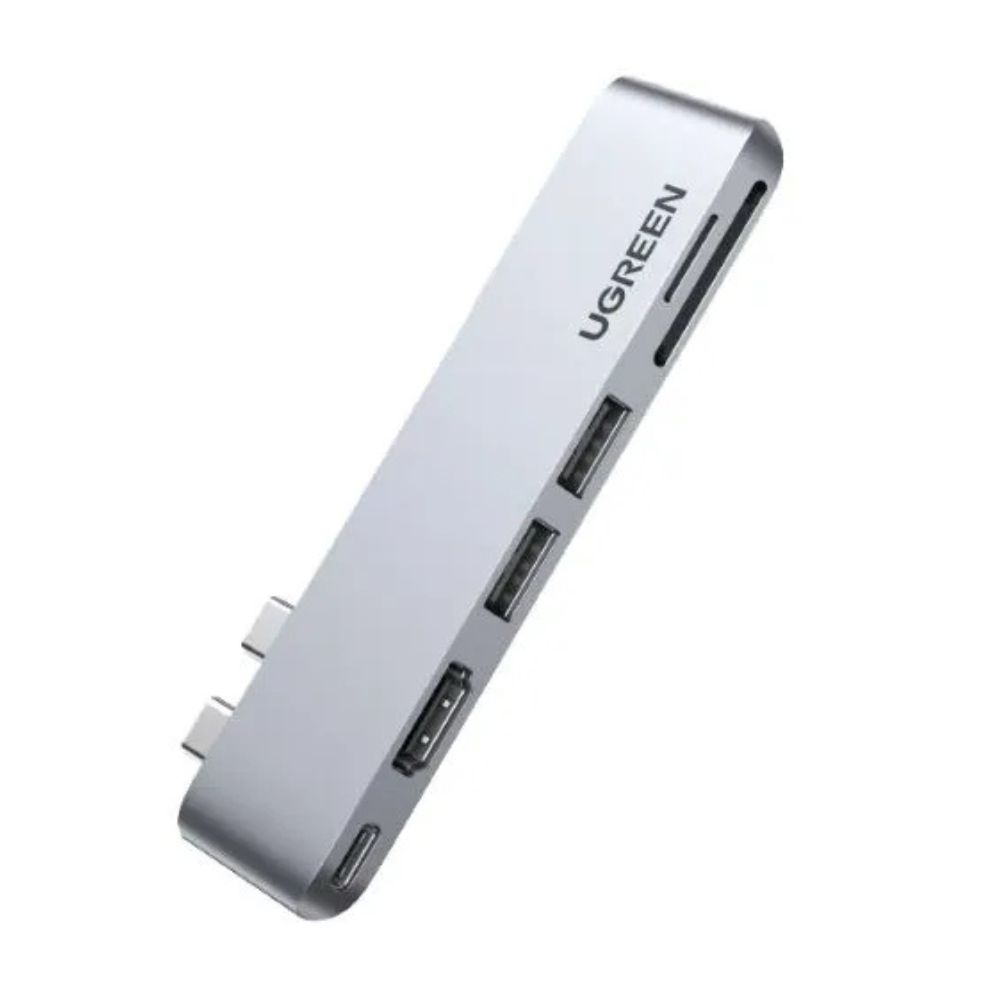
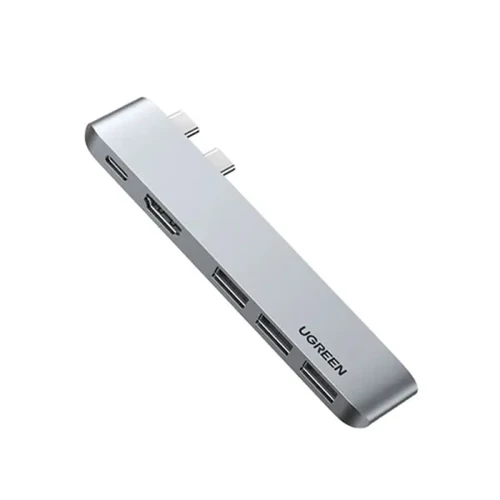
About Docking Stations
Docking Stations in Kenya – TechBro Africa
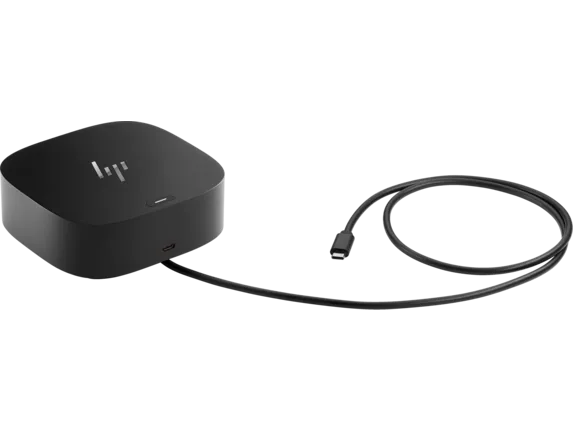
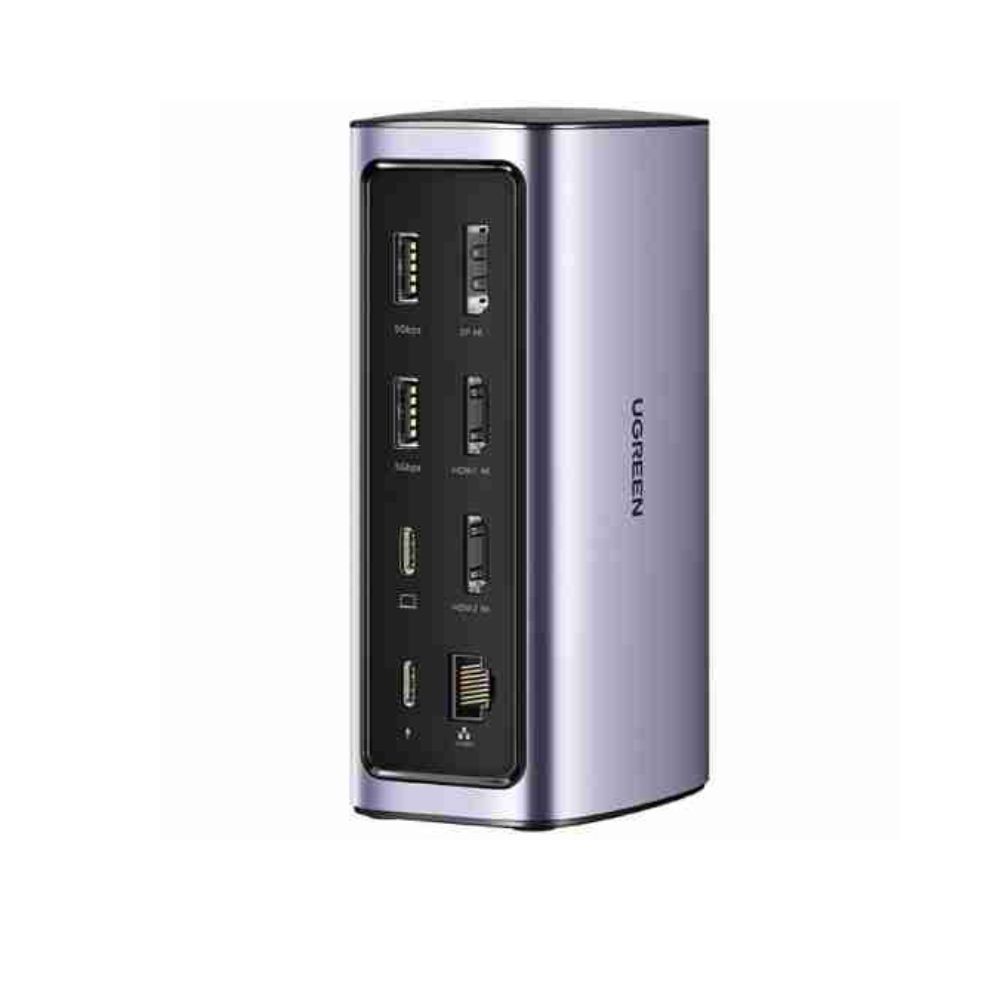
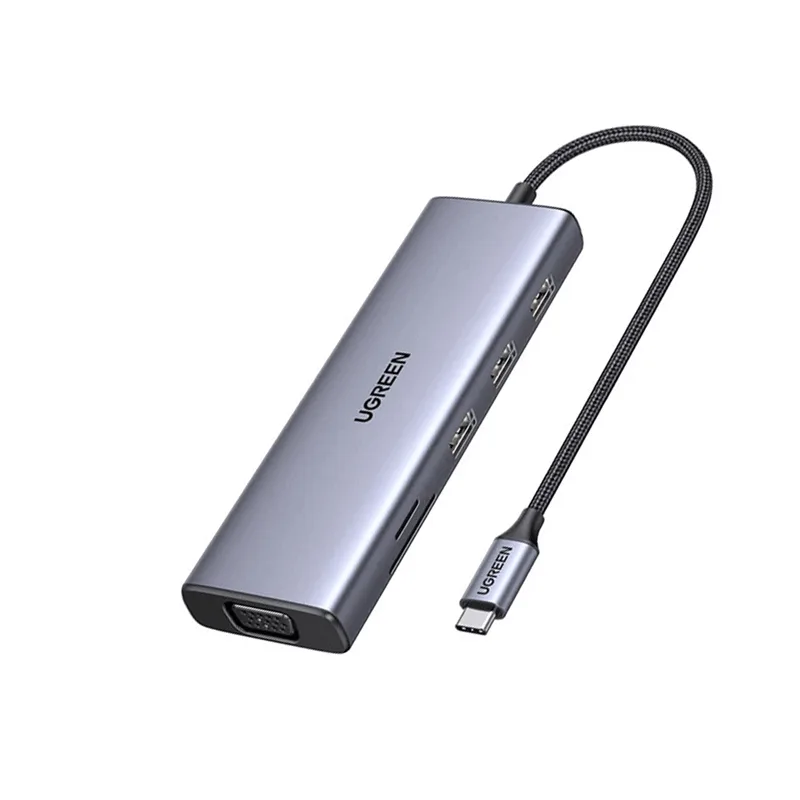
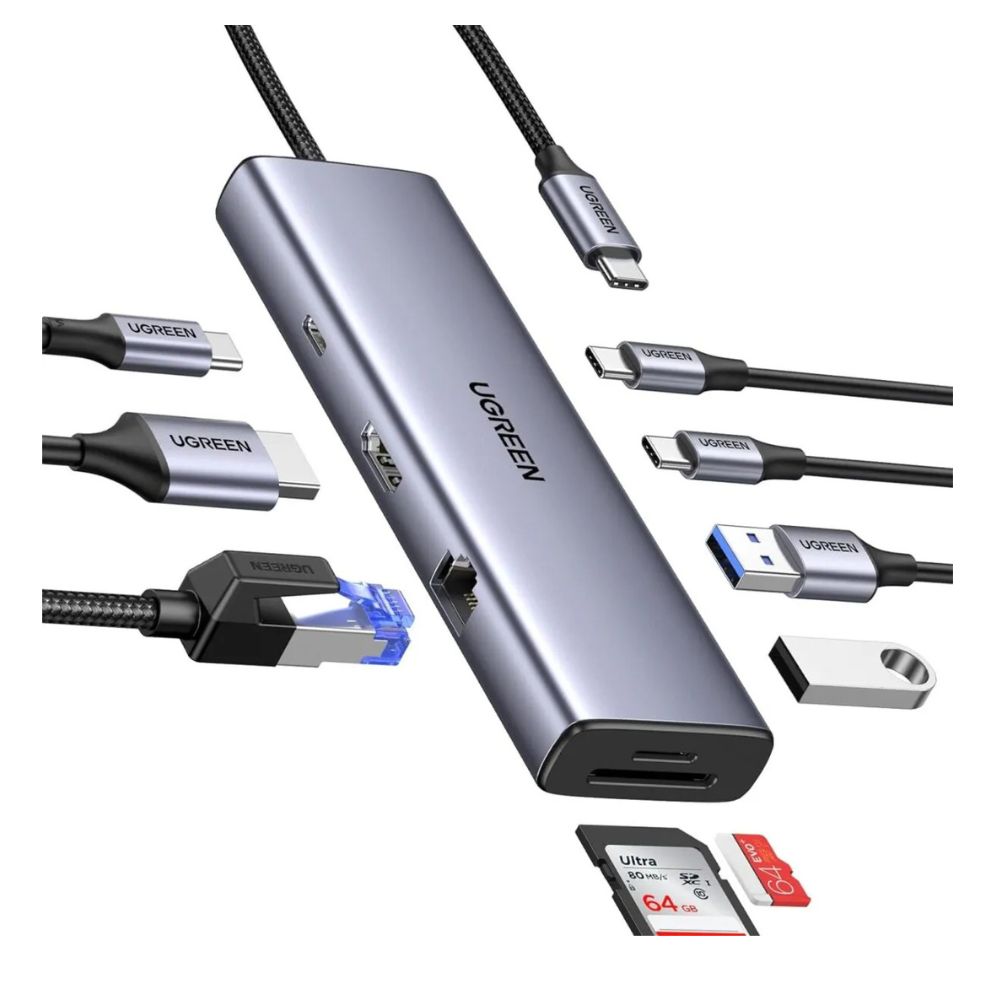
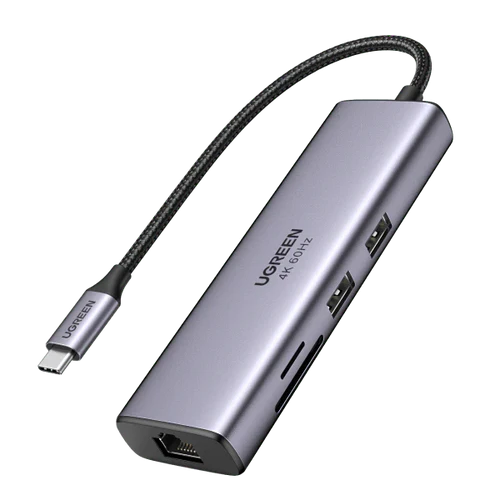
Docking stations provide a convenient way to expand the connectivity of laptops and other compatible computers by adding multiple ports through a single connection. They can connect displays, keyboards, mice, storage devices, Ethernet networks, headphones, memory cards, and other peripherals while helping keep a workspace organized.
At TechBro Africa, customers in Kenya can explore docking stations for laptops, MacBooks, Windows PCs, home offices, business workstations, and professional setups.
USB-C Docking Stations
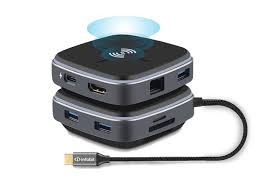
USB-C docking stations connect to compatible laptops through USB-C and can provide multiple additional ports. Depending on the model, these can include HDMI, DisplayPort, USB-A, USB-C, Ethernet, audio, SD card, and microSD card connections.
They are particularly useful for modern laptops with limited built-in ports.
Thunderbolt Docking Stations
Thunderbolt docking stations provide high-bandwidth connectivity for compatible laptops and computers. They can support multiple peripherals and displays while offering fast data transfer and, on supported systems, charging through the same connection.
Thunderbolt docks are well suited to professional workstations, content creation, photography, video editing, and users who require high-performance peripheral connectivity.
USB 3.0 Docking Stations
USB 3.0 docking stations provide additional connectivity through USB technology. They can be useful for connecting monitors, keyboards, mice, storage devices, printers, and network equipment to compatible computers.
They offer a practical option for users who do not require Thunderbolt or the highest USB-C bandwidth.
Laptop Docking Stations
Laptop docking stations can turn a portable computer into a more complete desktop workstation. A single connection can provide access to multiple external peripherals, allowing users to connect and disconnect their laptop quickly.
They are useful for offices, home workstations, classrooms, and hybrid working environments.
Dual Monitor Docking Stations
Docking stations with multiple display outputs can connect laptops to two or more external monitors, depending on the dock, computer, operating system, and supported display technology.
Multi-monitor setups are useful for office productivity, financial work, programming, design, video editing, and other applications where additional screen space is beneficial.
HDMI Docking Stations
HDMI-equipped docking stations allow compatible laptops to connect to external monitors, televisions, projectors, and other HDMI displays.
The supported resolution and refresh rate depend on the docking station and the connected computer.
DisplayPort Docking Stations
DisplayPort docking stations provide digital video connectivity for compatible monitors and professional displays. Some docks can support high-resolution and high-refresh-rate displays depending on their specifications and the capabilities of the connected laptop.
Ethernet Docking Stations
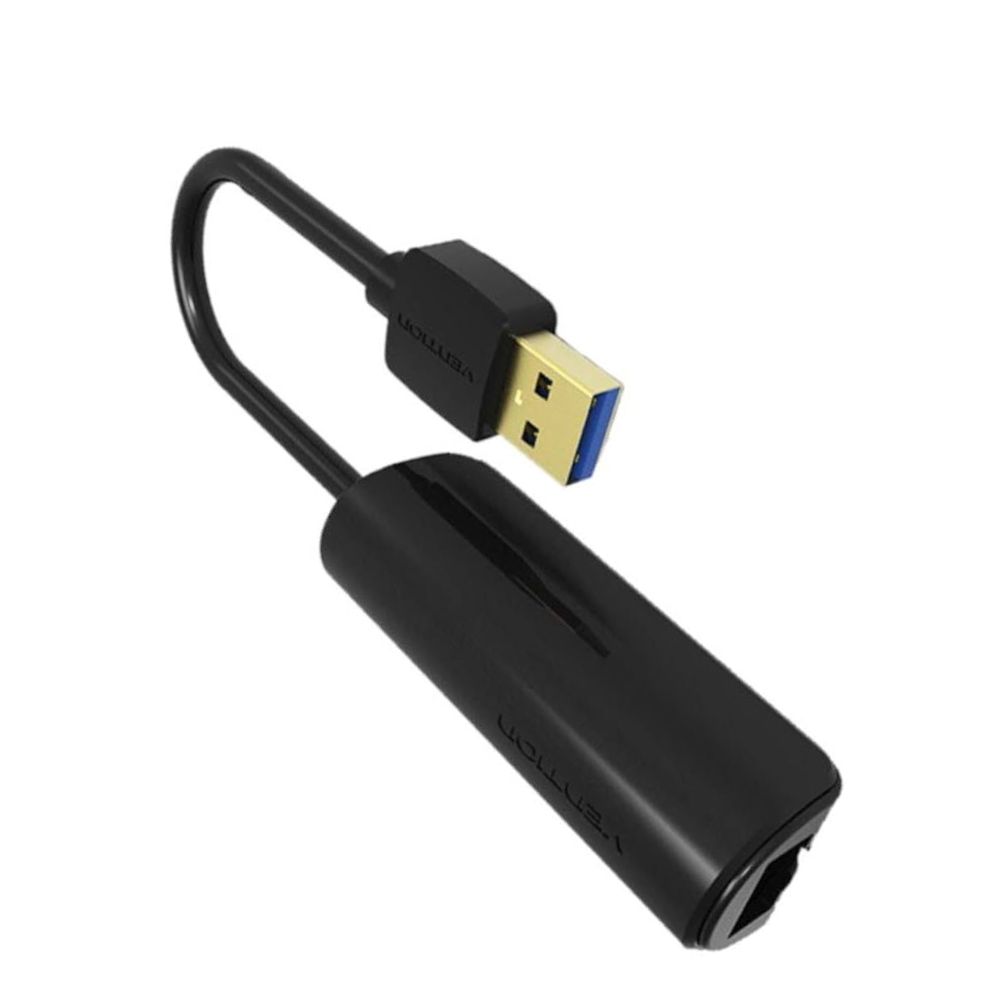
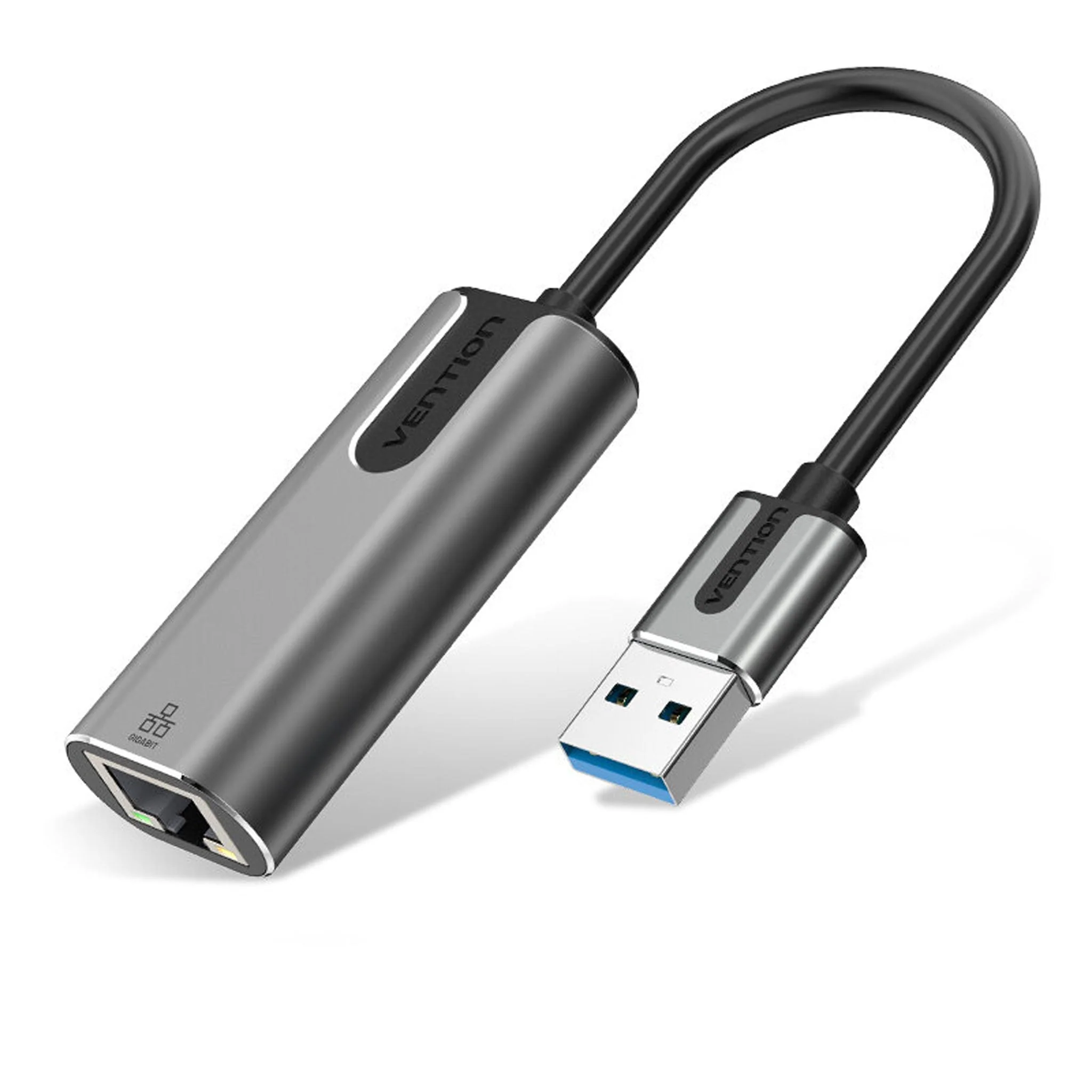
Docking stations with Ethernet ports allow laptops to connect to wired networks without requiring a separate USB network adapter.
Gigabit Ethernet is useful for office networks, file transfers, internet connectivity, network storage, and other applications where a stable wired connection is preferred.
Docking Stations with Power Delivery
USB-C docking stations with Power Delivery can supply power to compatible laptops while simultaneously providing access to connected peripherals.
This can reduce cable clutter because one USB-C cable can potentially handle charging, data, display connectivity, and other functions depending on the laptop and dock.
Docking Stations with USB-A and USB-C Ports
Many modern docking stations combine USB-A and USB-C ports to support both newer and older peripherals.
This allows users to connect devices such as keyboards, mice, flash drives, external hard drives, card readers, smartphones, printers, and other USB accessories.
SD Card Docking Stations
Docking stations with SD and microSD card readers are particularly useful for photographers, videographers, content creators, and users who regularly transfer files from cameras and mobile devices.
High-speed card-reader performance depends on the dock, card format, and connected computer.
Docking Stations for MacBook
Compatible docking stations can expand the limited port selection found on many MacBook models. They can provide HDMI, USB, Ethernet, SD card, audio, and additional USB-C connectivity.
Users should check compatibility with their specific MacBook model and macOS version, particularly when multiple external displays are required.
Docking Stations for Windows Laptops
USB-C and Thunderbolt docking stations can provide Windows laptops with additional displays, USB ports, Ethernet, storage connectivity, and charging.
Compatibility depends on the laptop's USB-C or Thunderbolt capabilities, including whether the port supports video output and Power Delivery.
Docking Stations for Home Offices
A docking station can simplify a home-office workstation by allowing a laptop to connect to a monitor, keyboard, mouse, Ethernet connection, speakers, storage devices, and other peripherals through a single connection.
This makes it easier to switch between portable and desktop-style working.
Docking Stations for Business
Businesses can use docking stations to standardize laptop workstations across employees. A dock can provide consistent access to monitors, wired networks, keyboards, mice, printers, and other office equipment.
They are particularly useful for hybrid workplaces where employees regularly connect laptops to fixed desks.
Choosing Docking Stations in Kenya
When selecting a docking station, consider USB-C or Thunderbolt compatibility, Power Delivery wattage, number of USB ports, HDMI and DisplayPort outputs, supported display resolution, Ethernet speed, SD card support, audio connectivity, data-transfer speeds, operating-system compatibility, and the number of displays required.
It is important to check the capabilities of the laptop itself. A USB-C port does not automatically support video output, charging, or every feature offered by a docking station.
At TechBro Africa, customers in Kenya can explore docking stations for laptops, MacBooks, Windows computers, home offices, business workstations, content creation, multi-monitor setups, and professional connectivity.
Why Buy Docking Stations from TechBro Africa?
TechBro Africa provides computer accessories and connectivity solutions for customers across Kenya. Docking stations offer a convenient way to expand laptop connectivity while reducing cable clutter and creating a more productive workstation.
Conclusion
Docking stations provide an effective way to expand the connectivity of compatible laptops and computers. With USB-C, Thunderbolt, HDMI, DisplayPort, Ethernet, USB-A, USB-C, SD card, Power Delivery, and multi-monitor options available, users can select a docking station based on their laptop, peripherals, displays, and workspace requirements.
At TechBro Africa, customers in Kenya can explore docking stations for home offices, businesses, MacBooks, Windows laptops, multi-monitor workstations, content creation, and professional computer setups.