 Hp Laptops
 Lenovo Laptops

Product Specifications
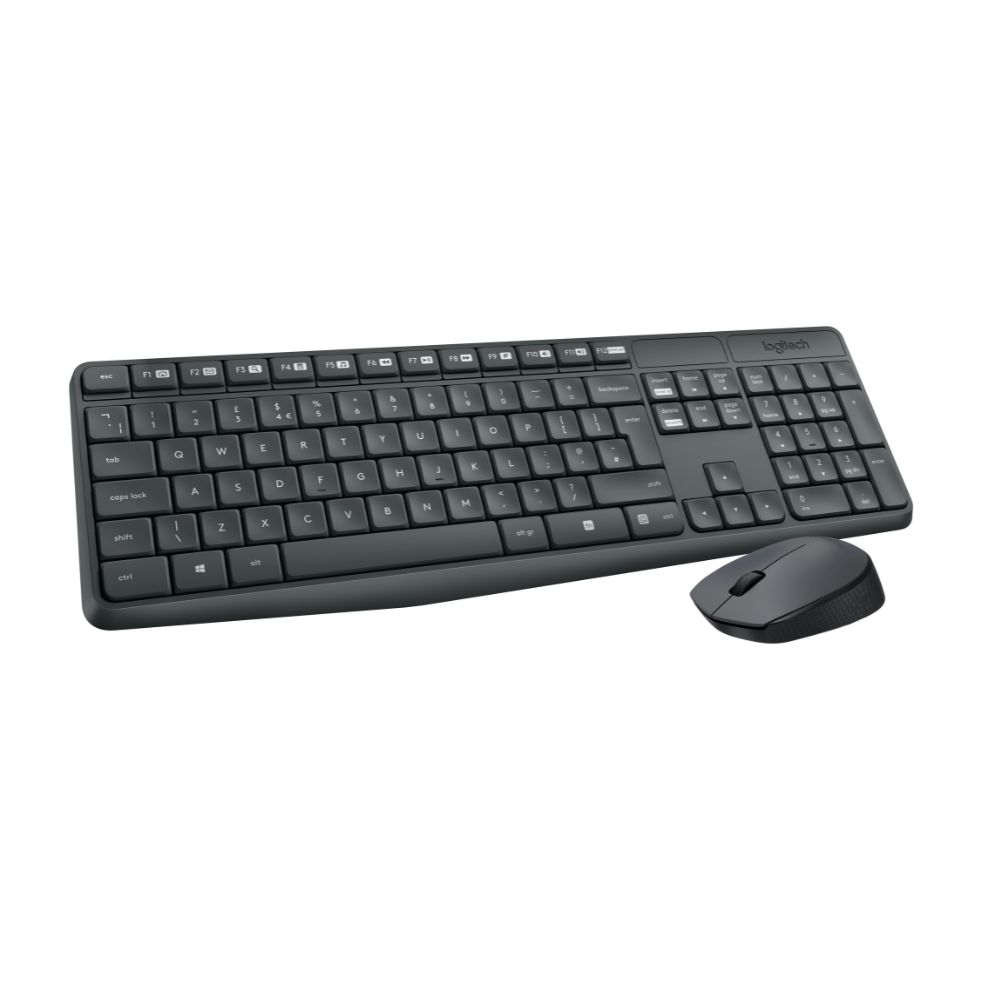
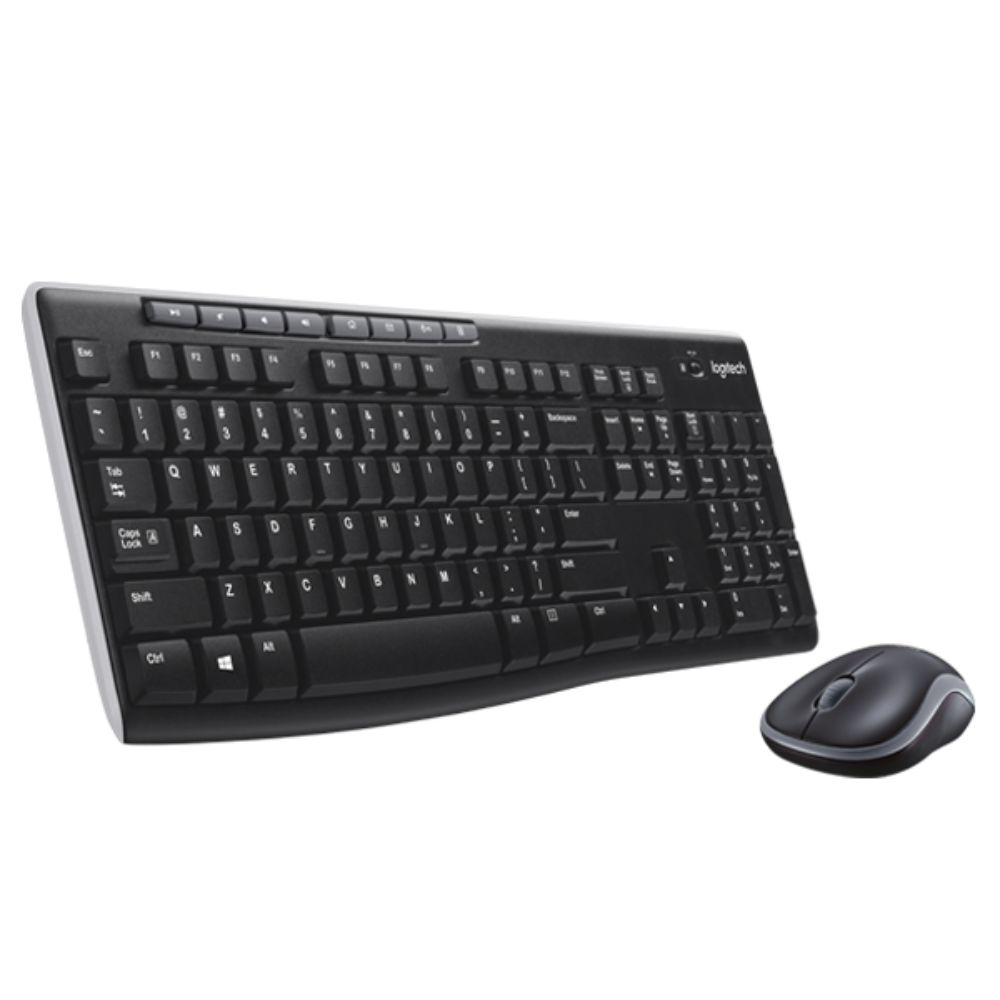
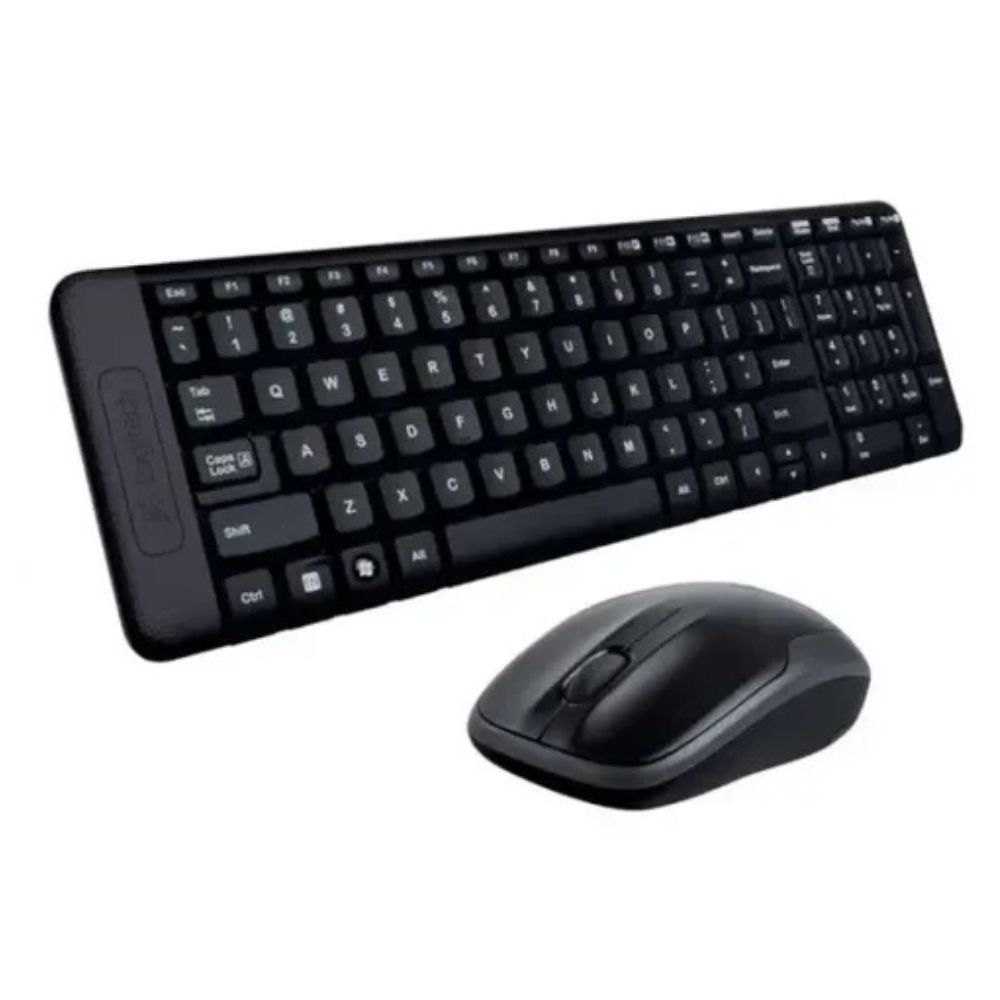
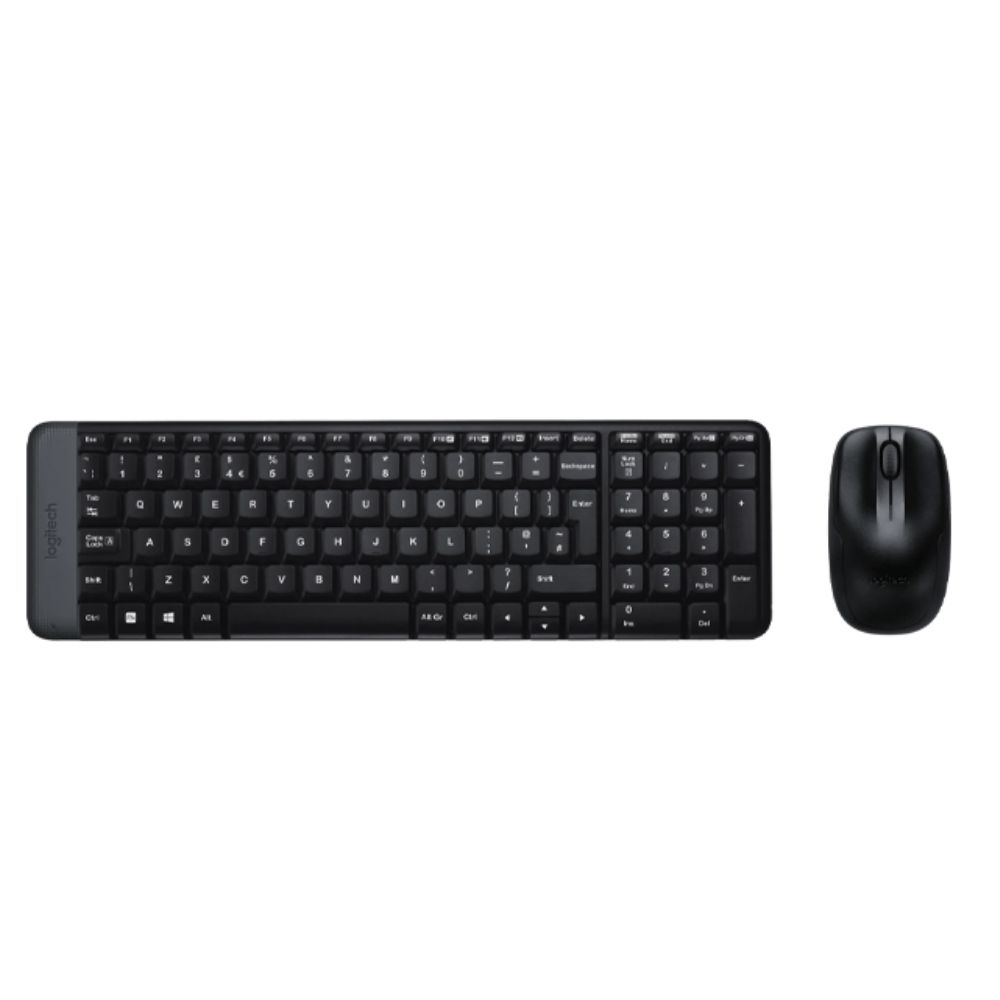
Logitech MK220 Wireless Keyboard and Mouse Combo – Black (920-003161)
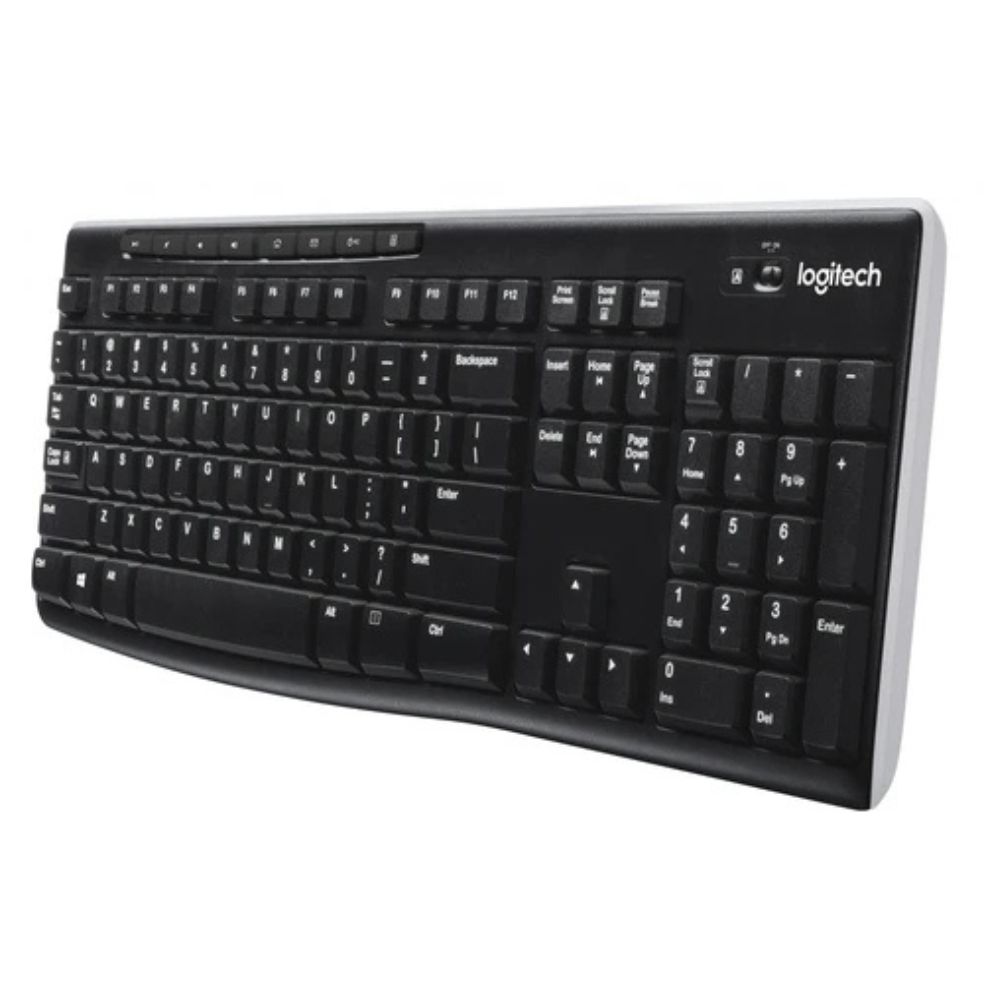
The Logitech MK220 Wireless Keyboard and Mouse Combo (920-003161) is a compact and reliable wireless set designed for everyday productivity. It includes a space-saving keyboard with a full numeric keypad and a lightweight wireless mouse, making it ideal for office work, home use, school tasks, and general computing.
It uses a 2.4 GHz USB nano receiver that provides stable connectivity with minimal delay, giving you a clean and cable-free workspace experience.
Logitech MK220 Wireless Keyboard and Mouse Combo Price in Kenya
| Product | Price in Kenya |
|---|---|
| Logitech MK220 Wireless Keyboard and Mouse Combo – Black (920-003161) | KSh 2,400 |
Logitech MK220 Wireless Keyboard and Mouse Combo Specifications
| Feature | Details |
|---|---|
| Model | 920-003161 |
| Connection Type | 2.4 GHz Wireless USB Receiver |
| Components | Keyboard + Mouse Combo |
| Keyboard Layout | Full-size with numeric keypad |
| Mouse Type | Optical wireless mouse |
| Power Source | 2 × AAA (keyboard), 2 × AA (mouse) |
| Wireless Range | Up to 10 meters |
| Compatibility | Windows, ChromeOS |
Logitech MK220 Wireless Keyboard and Mouse Combo Performance
The Logitech MK220 delivers smooth and consistent performance for everyday computing tasks such as typing, browsing, document editing, and office work. The 2.4 GHz wireless connection ensures stable input with minimal lag, making it reliable for both home and office environments.
The keyboard provides a comfortable typing experience with quiet, responsive keys suitable for long working hours. The included mouse offers accurate optical tracking for smooth navigation across applications and web browsing.
Battery efficiency is one of its strengths, with the keyboard lasting up to 24 months and the mouse up to 12 months depending on usage. This reduces maintenance and makes it convenient for long-term use without frequent battery changes.
Logitech MK220 Wireless Keyboard and Mouse Combo Design and Build Quality
- Compact and lightweight keyboard design
- Durable plastic build for daily use
- Ergonomic ambidextrous mouse design
- Tilt legs for comfortable typing angle
- Clean black finish suitable for office setups
Logitech MK220 Wireless Keyboard and Mouse Combo Safety & Durability
- Spill-resistant keyboard structure
- Auto sleep power-saving mode
- Strong wireless signal stability
- Durable key lifespan for long-term use
Logitech MK220 Wireless Keyboard and Mouse Combo Compatibility
Compatible with:
- Windows 10 / 11 and earlier versions
- ChromeOS
- Desktop PCs and laptops with USB-A port
Logitech MK220 Wireless Keyboard and Mouse Combo Ideal Use Cases
- Office productivity
- Home computing
- School and learning tasks
- Data entry work
- General browsing and typing
Logitech MK220 Wireless Keyboard and Mouse Combo Pros & Cons
| Pros | Cons |
|---|---|
| Affordable price | Not Bluetooth |
| Keyboard + mouse combo | Basic features only |
| Reliable wireless connection | Not for gaming |
| Long battery life | No backlight |
| Plug-and-play setup | Uses USB receiver |
Logitech MK220 Wireless Keyboard and Mouse Combo FAQs
What is the price in Kenya?
The price is KSh 2,400.
Does it use Bluetooth?
No, it uses a 2.4 GHz USB wireless receiver.
Is it good for gaming?
No, it is designed for office and everyday productivity use.
How long do the batteries last?
Up to 24 months for keyboard and 12 months for mouse.
Does it need drivers?
No, it is plug-and-play.
Logitech MK220 Wireless Keyboard and Mouse Combo Conclusion
The Logitech MK220 Wireless Keyboard and Mouse Combo is a practical and budget-friendly solution for users who need a reliable wireless setup for everyday tasks. It offers stable performance, long battery life, and a comfortable typing and navigation experience, making it ideal for office, school, and home use.
While it does not include advanced features like Bluetooth connectivity or gaming optimization, it delivers excellent value for users looking for a simple, efficient, and dependable wireless keyboard and mouse combo.